How to collect website feedback and turn it into tasks
A practical website feedback workflow for agencies: collect visual comments, write useful tasks, review changes, and record client approval. Includes a template.
Collect visual feedback on websites and files, turn comments into tasks, and track the work through review. Keep the original feedback beside each task as your team works.
Use the extension to review authorized sites, the widget on your own sites, or review links for clients.
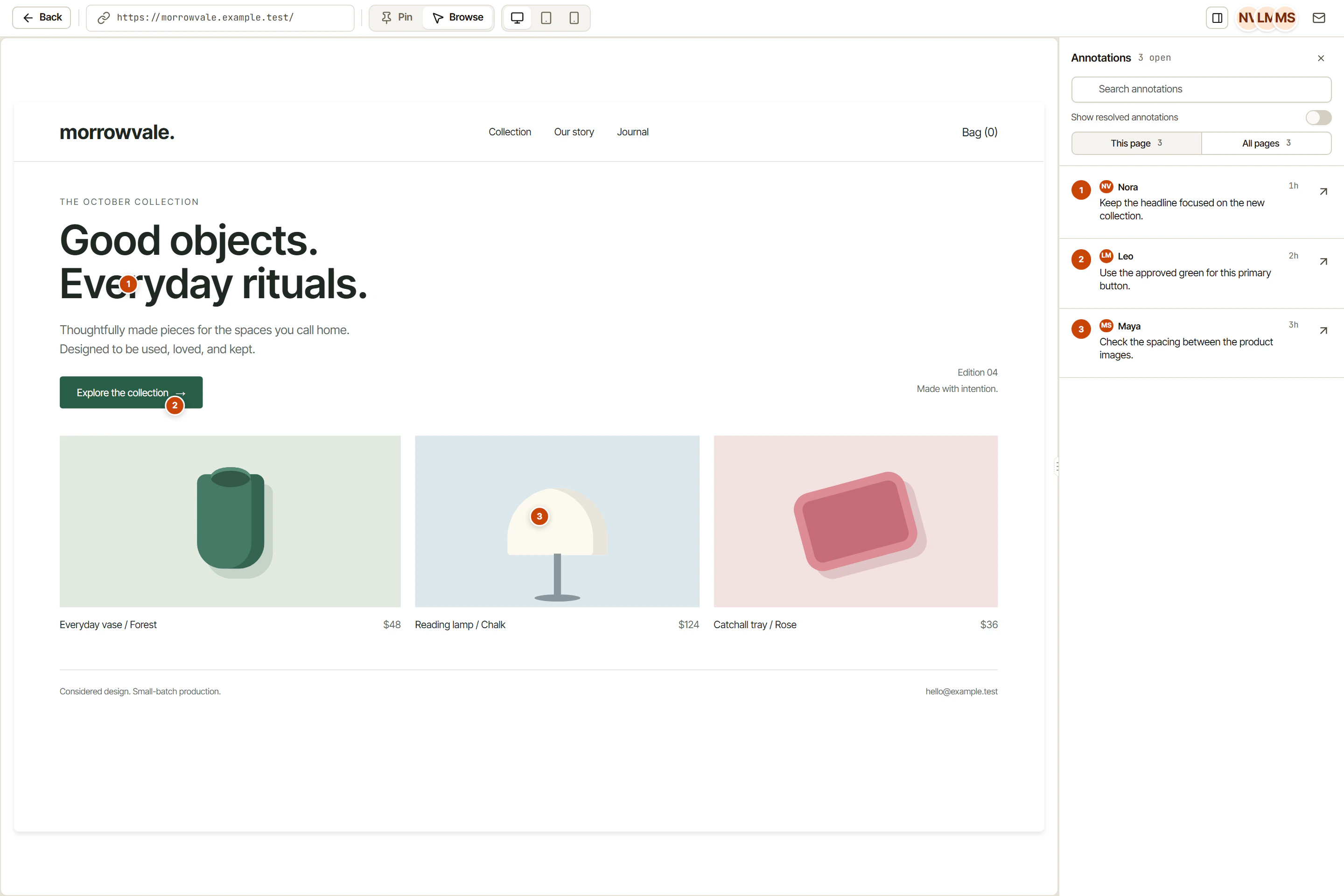
Pin feedback to live websites and web apps with boxes, arrows, screenshots, and full browser context.
Guest flows and share links let clients and stakeholders leave feedback without joining as full workspace members.
Convert visual feedback into tracked tasks with structured titles, priorities, tags, assignees, and views.
Push updates into Jira, Linear, ClickUp, GitHub, and Zapier instead of rebuilding your process.
OkFlow lets reviewers comment on the live website or web app instead of sending screenshots with missing context. Pins, boxes, arrows, browser metadata, all captured where the issue actually lives.
Use guest flows and share links to gather feedback from clients, PMs, and stakeholders outside the core team, without pushing them into a heavyweight tool.
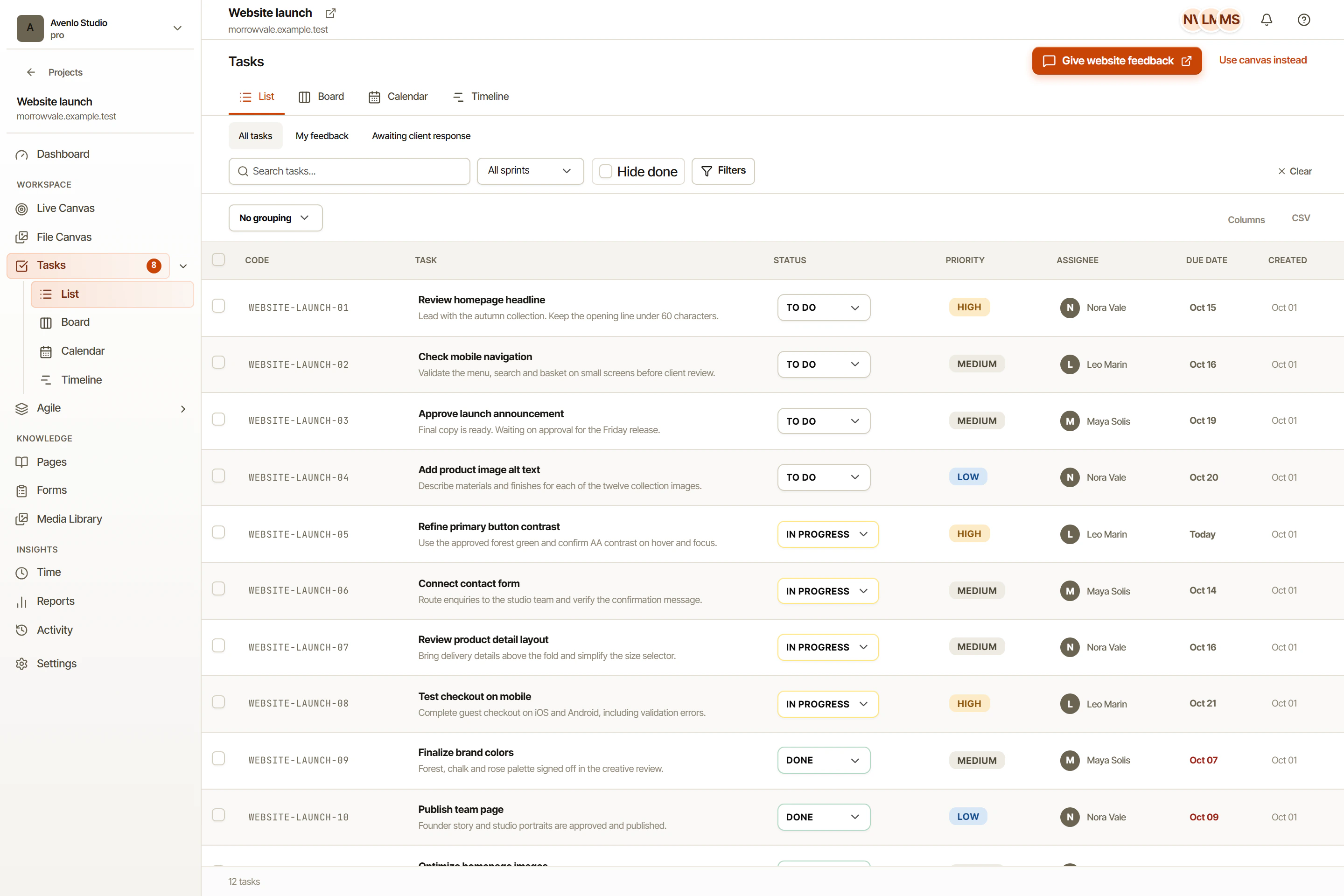
Create tasks from feedback. Assign owners. Manage status. Keep the original review context connected to execution, instead of losing it in the translation.
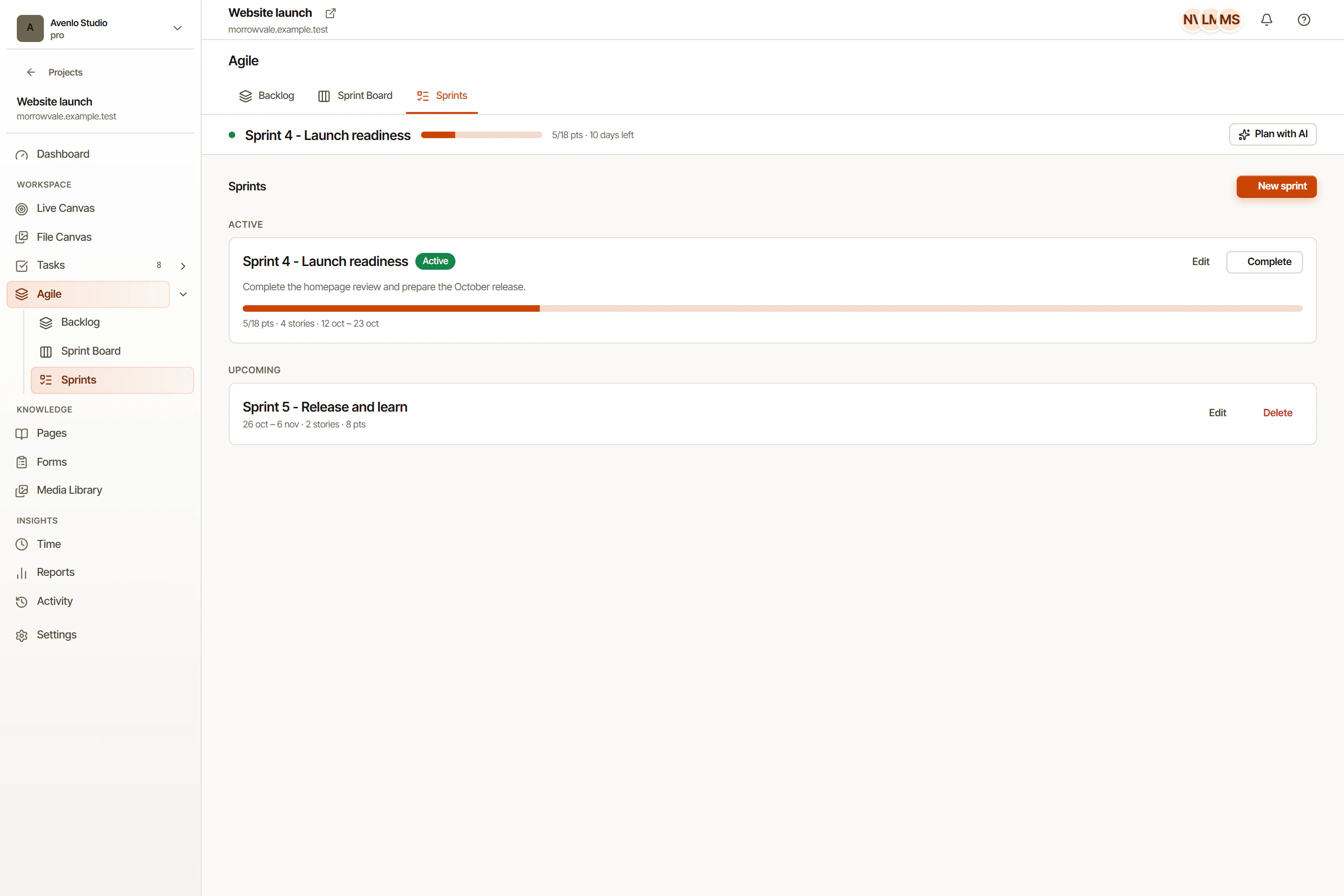
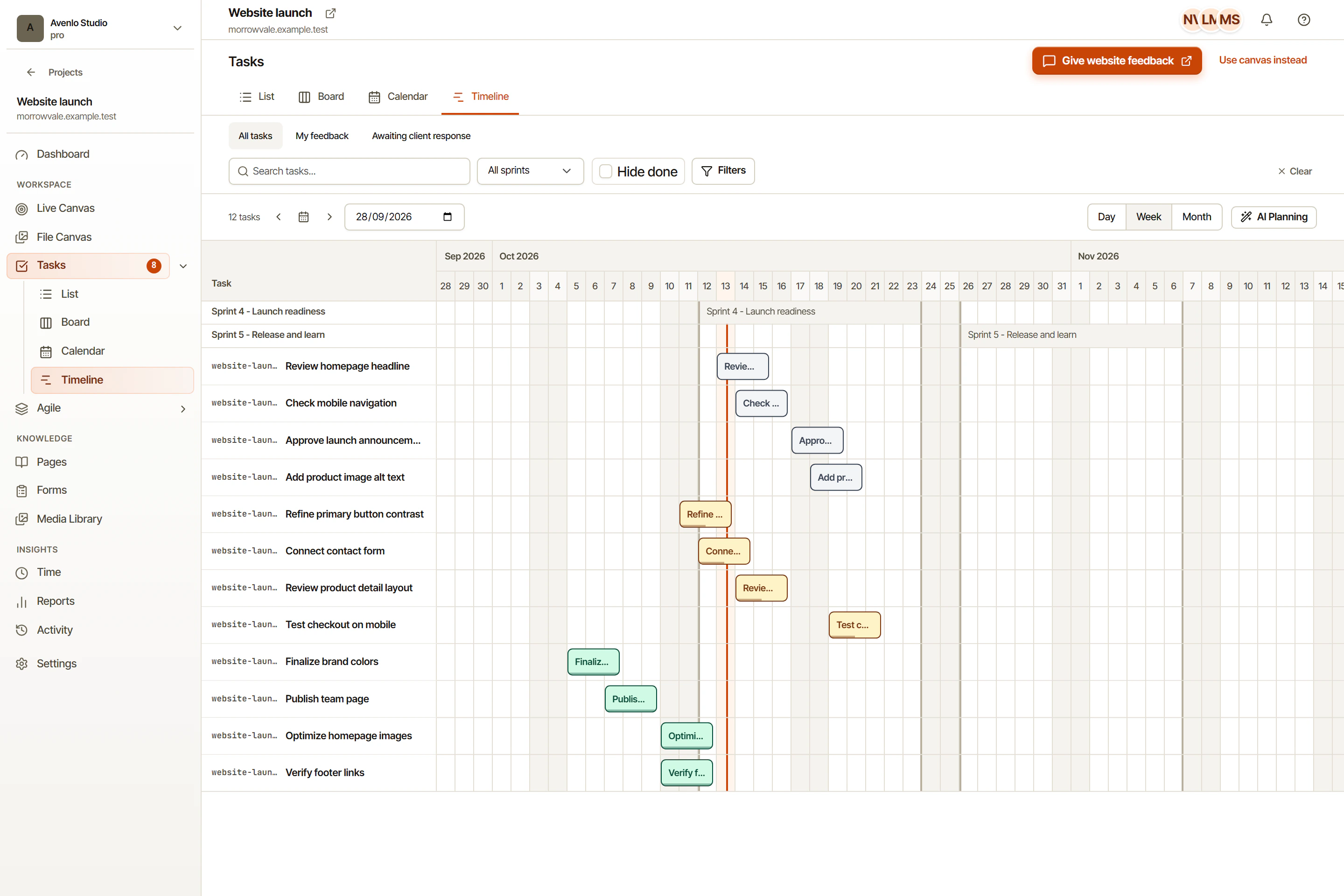
If your team wants less tool switching, OkFlow also covers task management, work views, and time tracking without losing the original feedback context.
Book a 15-min walkthrough. We'll tailor it to your stack.
Use the extension on sites you have permission to review, including pages that block embedded reviews. Some browser-restricted pages do not support extensions. The widget is for sites you control.
No. Share links let reviewers comment without creating a workspace account. You control expiry and password protection.
It can complement your current tools. OkFlow includes task management, time tracking, and weekly timesheets. Sync options depend on the integration and its configuration.
URL, viewport dimensions, browser name and version, operating system, device pixel ratio, element selector, and any console errors or warnings present at the time of capture.
Use suggestions as a draft. Review the original context, adjust the title and priority, and confirm the scope before assigning work to your team. AI is available on paid plans.
Book a 15-min walkthrough. We'll tailor it to your stack.