How to collect website feedback and turn it into tasks
A practical website feedback workflow for agencies: collect visual comments, write useful tasks, review changes, and record client approval. Includes a template.
Add visual feedback to your WordPress site with the OkFlow plugin. Connect your project with a token, then let reviewers comment on the page while your team keeps track of the changes.
v1.2.0 · WordPress 6.0+ · PHP 7.4+ · GPL-2.0-or-later
Upload the okflow-widget .zip through Plugins → Add New → Upload Plugin (or drop the folder into wp-content/plugins/), then activate it.
Open your OkFlow project canvas, copy the token from the embed card, and paste it into Settings → OkFlow Widget in WP Admin.
Save your settings. The widget appears site-wide, or wherever you place the [okflow_widget] shortcode, so your team can leave feedback right on the page.
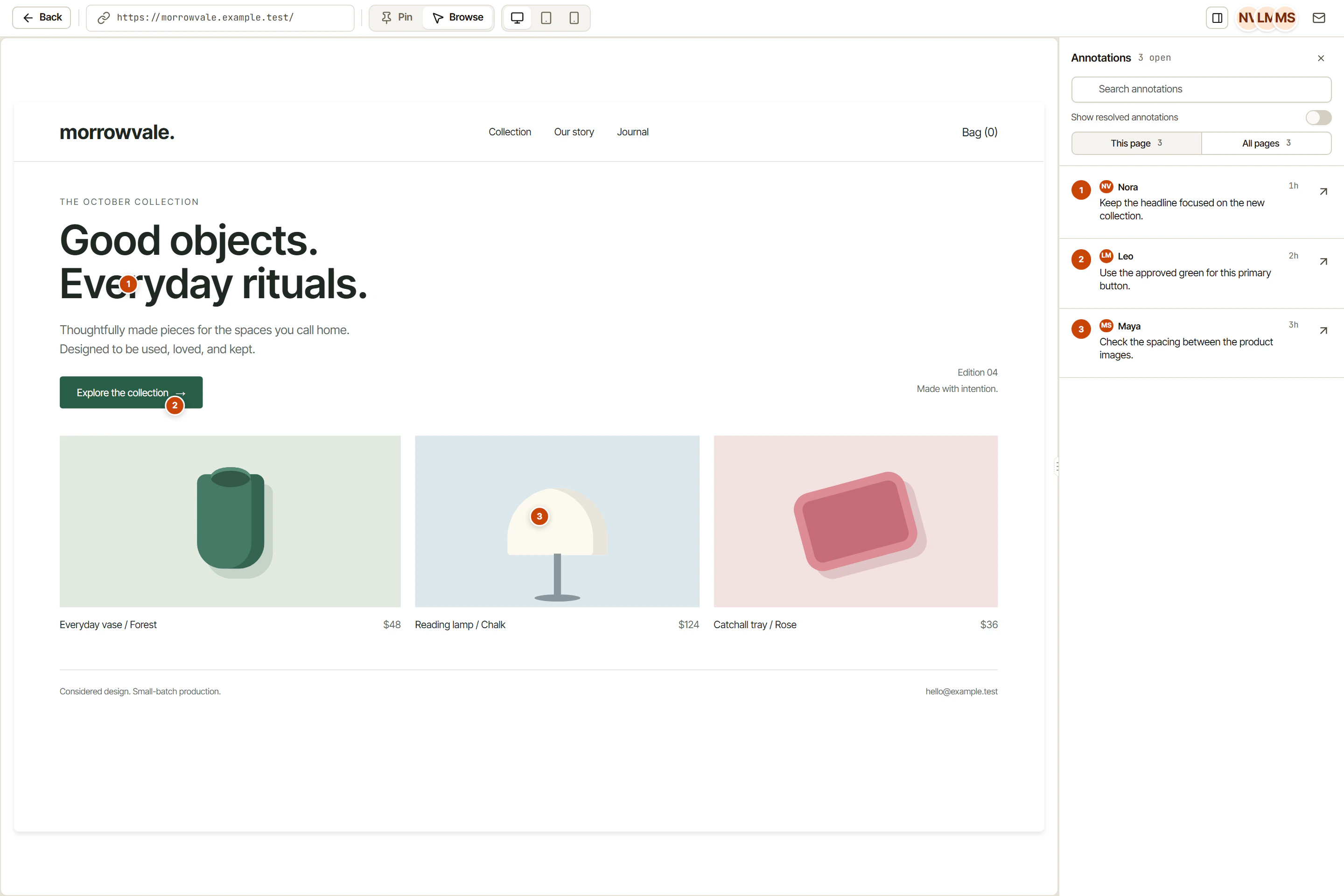
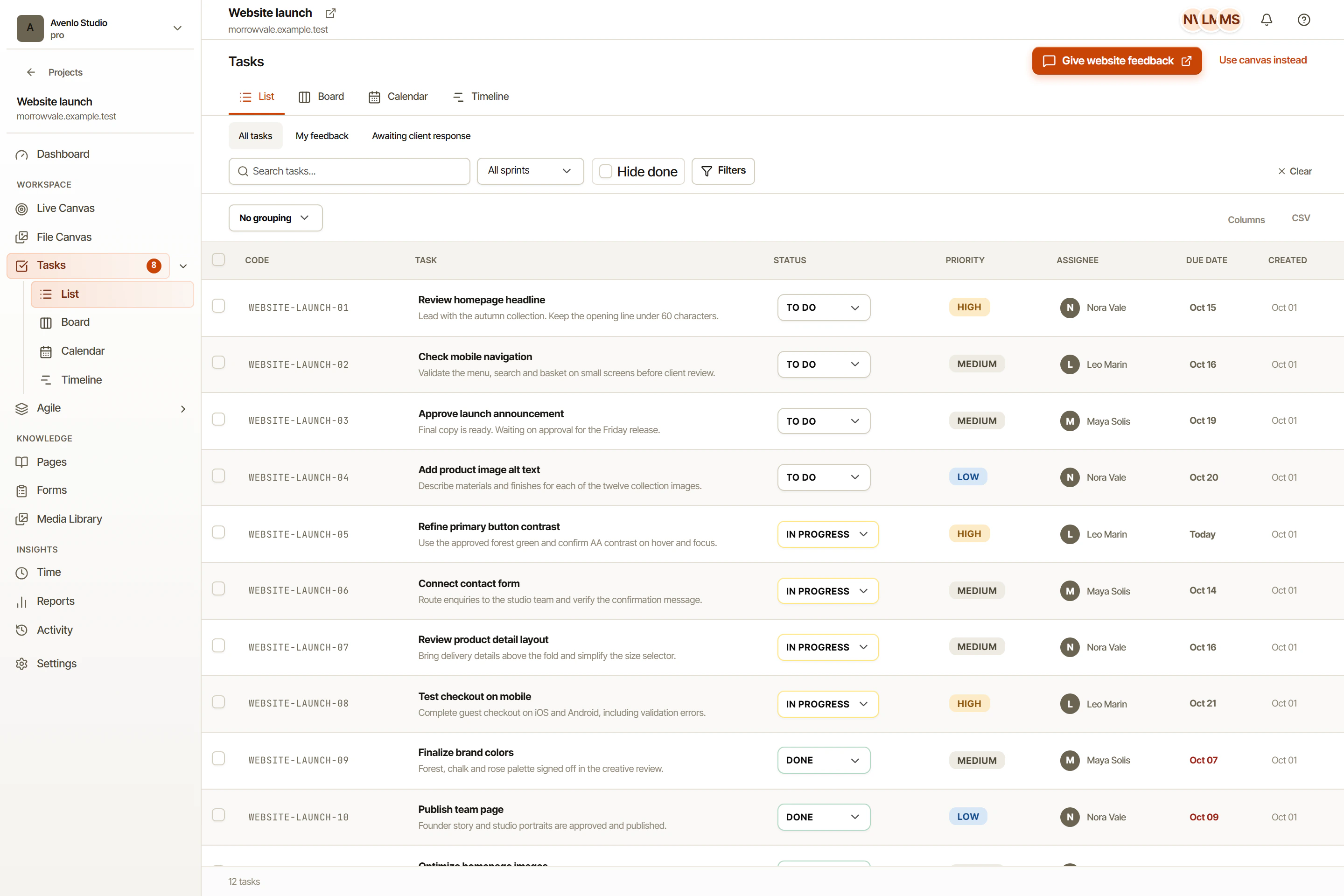
Widget annotations are managed in OkFlow. These captures show the app with example data, not WordPress admin.
See whether the plugin is connected to your OkFlow project — including which project — plus Invalid token, Unverified, or Not configured states when something needs attention.
Your settings page shows how many annotations your project has used this month, with an upgrade link once a Free-tier project gets close to its limit.
Turn on Identify WordPress Users and logged-in visitors are passed to the widget automatically — no re-entering name and email.
Add the widget to every page automatically via wp_head, or drop [okflow_widget] exactly where you want it, with an optional per-page token.
The widget loads through an asynchronous script. Check your site performance with the widget enabled before publishing.
Free includes one project, one internal user, and 50 annotations a month. Choose a paid plan when you need more capacity.
Log in to OkFlow and open your project canvas — the embed card there holds the snippet token for that project. Copy it, then paste it into Settings → OkFlow Widget in WP Admin.
Yes. Use the [okflow_widget token="YOUR_TOKEN"] shortcode to override the global token on specific pages or posts.
Free includes one project, one internal user, and 50 annotations a month per organization. The plugin usage meter shows usage.
Once a Free-tier project gets close to its monthly limit, the settings page shows an upgrade link straight into OkFlow billing. You can also upgrade any time from your OkFlow dashboard.
The widget uses an asynchronous script, downloaded while the browser processes the page. Its impact depends on your site; check performance with the widget enabled.
The plugin couldn't reach the OkFlow API to confirm your token the last time it checked — for example if your server can't make outbound HTTPS requests. The widget itself still loads normally; save your settings again to force a recheck.
Download the plugin ZIP and install it through Plugins → Add New → Upload Plugin. Availability in the WordPress.org directory is separate from this direct download.