How to review a PDF and keep page comments in context
A practical review process for proposals, presentations, and documents that keeps page-specific feedback in context.
OkFlow's file canvas lets you annotate PDFs, design exports, images, and videos with the same pin-comment system you use on live pages. Feedback stays on the file, not in a chat thread.
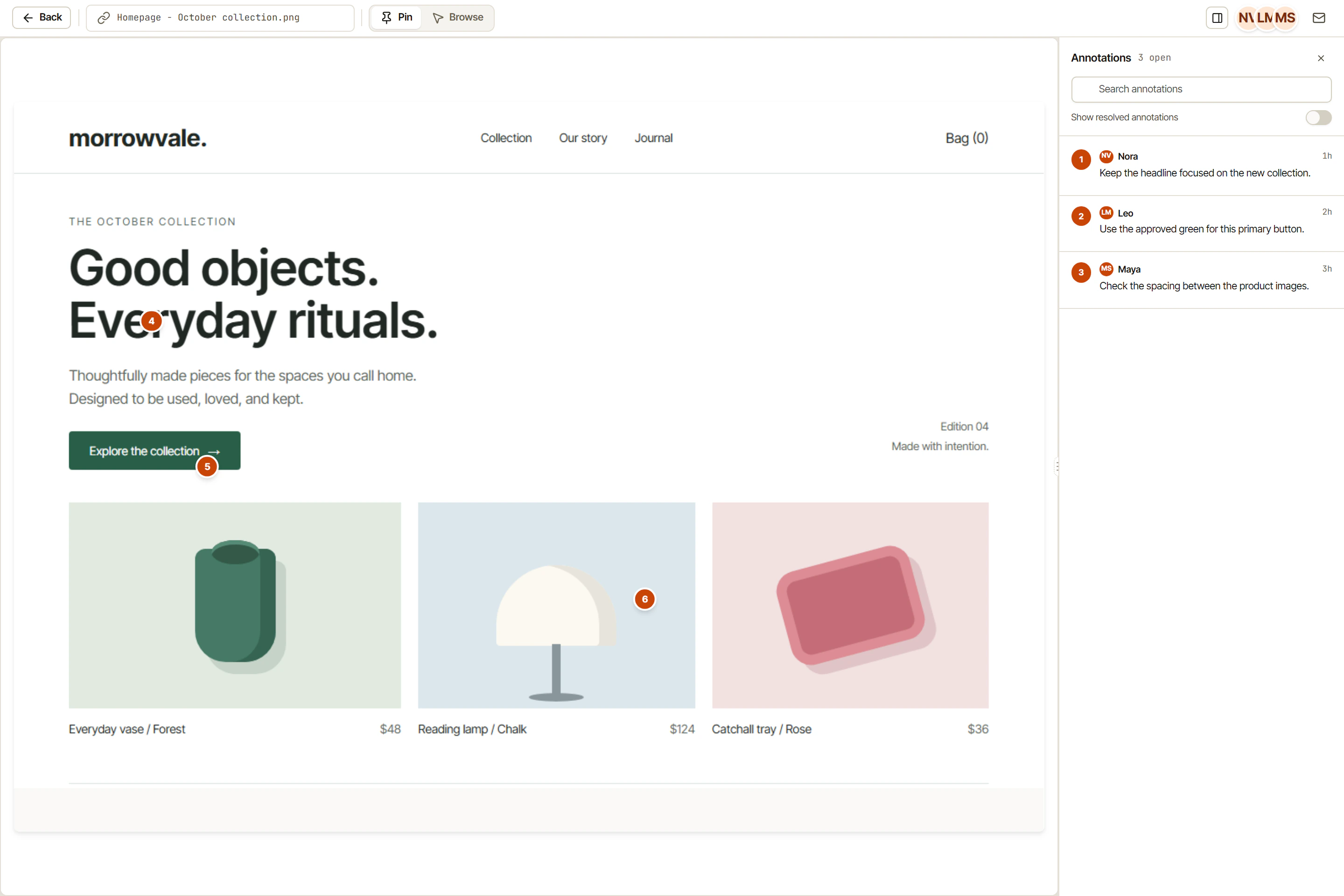
Upload any file type and annotate it with numbered pins, boxes, and comments, just like a live website.
Pins attach to coordinates on the file, not to a timestamp or a vague page region.
Upload multiple files at once and organize them into a review session for client delivery.
Files are stored in your OkFlow library, searchable and accessible from any project.
Upload a PDF brief, a PNG design export, or a video walkthrough. OkFlow renders it in the canvas and lets reviewers pin comments to exact coordinates. No external viewer, no round-trip to a different tool.
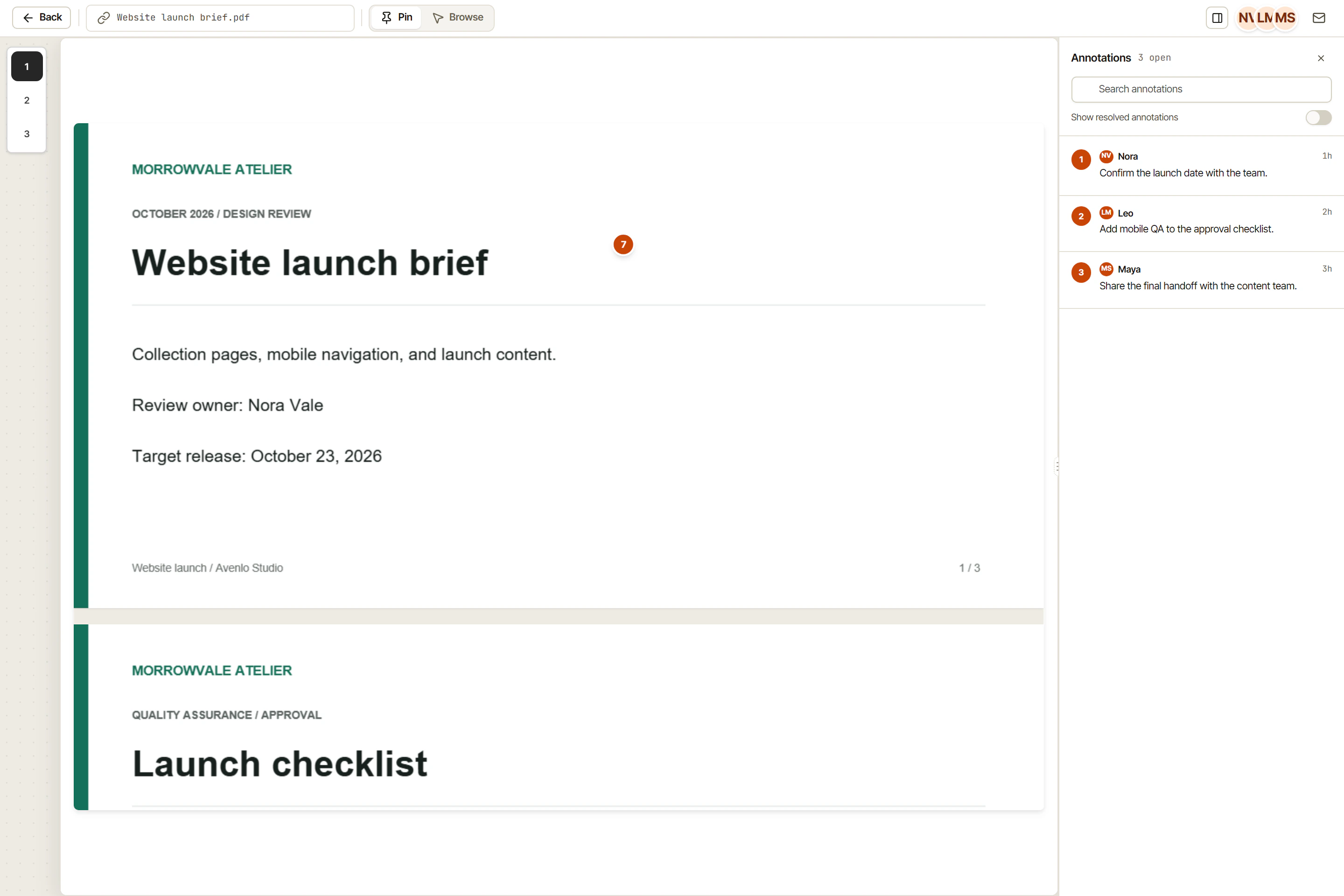
Every annotated file lives in your OkFlow library alongside your web review sessions. Search by project, tag, or date. Share a file review link the same way you share a web review link.
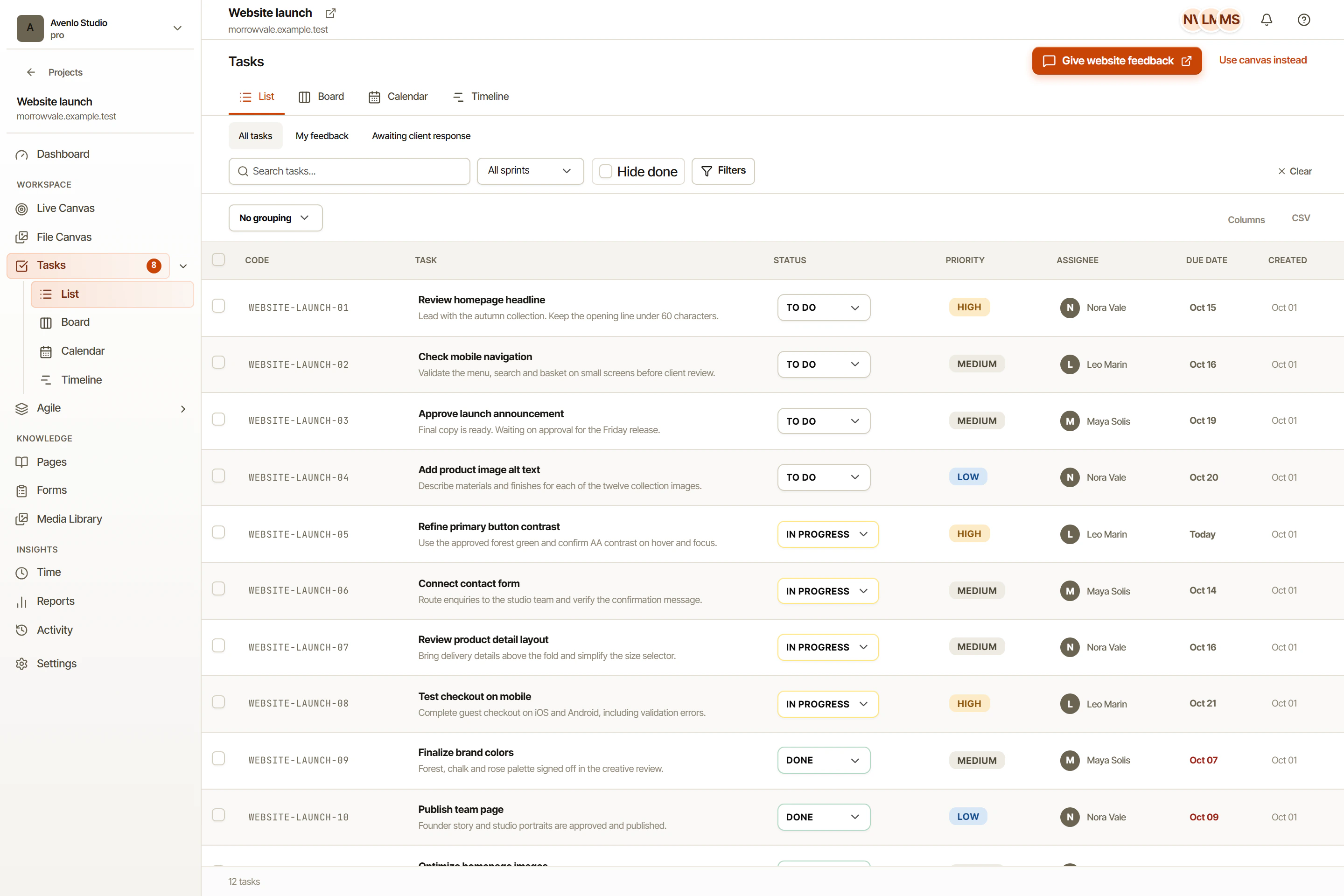
Comments on files convert into tasks exactly like web annotations do. The original file, the pin location, and the comment thread all travel with the task to your developer or designer.
PDF, PNG, JPG, GIF, WebP, SVG, and MP4 video files. More formats are being added based on user demand.
Yes. OkFlow renders each PDF page and lets you navigate between pages. Pins attach to specific page coordinates.
Yes. Share links work the same for file reviews as for website reviews. Guests can view and comment without creating a workspace account.
Up to 50 MB per file on all plans. Large video files are transcoded for smooth in-browser playback.
See how OkFlow's file canvas fits into your review workflow.