How to plan a sprint with a clear, realistic goal
Turn a prioritized backlog into a realistic sprint with clear acceptance criteria and explicit review work.
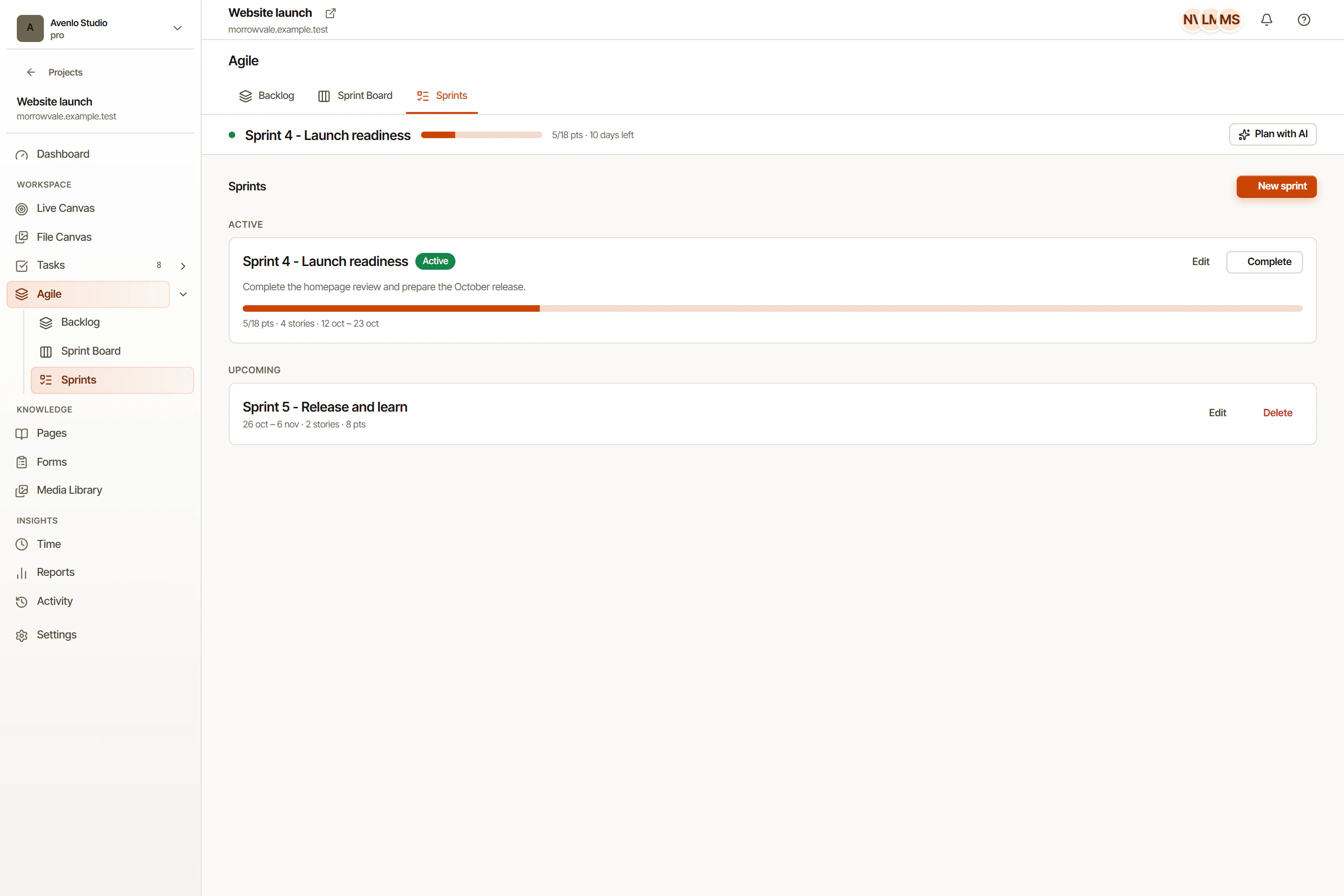
Choose work from your backlog, set a sprint goal, and follow progress in OkFlow. Keep tasks connected to the feedback that started them, so reviews remain part of the plan.
Estimate story points, add acceptance criteria, and rank items before sprint planning.
Drag tasks from the backlog into a sprint. OkFlow shows capacity and point totals as you plan.
Live burndown chart updates as tasks are completed. Spot scope creep and re-plan in real time.
Built-in retro board with went-well, improve, and action columns. No external tool needed.
The backlog view shows all unscheduled tasks ranked by priority. Add story points, acceptance criteria, and tags directly in the list. When planning time comes, everything is ready to drag into the sprint.
The sprint board shows every task in the current sprint, organized by status. Drag cards to update status. Changes are live for everyone on the team, no sync button needed.
OkFlow tracks story points completed per sprint and plots them as a velocity chart. Use historical velocity to plan realistic future sprints instead of guessing.
You can set any sprint duration from 1 to 6 weeks. Most teams use 1-week or 2-week sprints. OkFlow defaults to 2 weeks.
Yes. When you close a sprint, OkFlow shows you all incomplete tasks and lets you move them to the next sprint, back to the backlog, or close them.
Yes. The burndown updates in real time as team members move tasks to Done. No manual data entry required.
Yes. Every workspace member with access to the project can add cards to the retro board. Cards are visible to everyone once the retro session is opened.
Yes. Sprint-scoped tasks appear on the Gantt within their sprint window, so you can see both sprint cadence and long-range dependencies in one view.
Book a walkthrough and see how OkFlow keeps your sprint cadence without the overhead.