Backlog vs. board: when to use each for project planning
Use the backlog to evaluate future work and the board to understand the work moving through your current workflow.
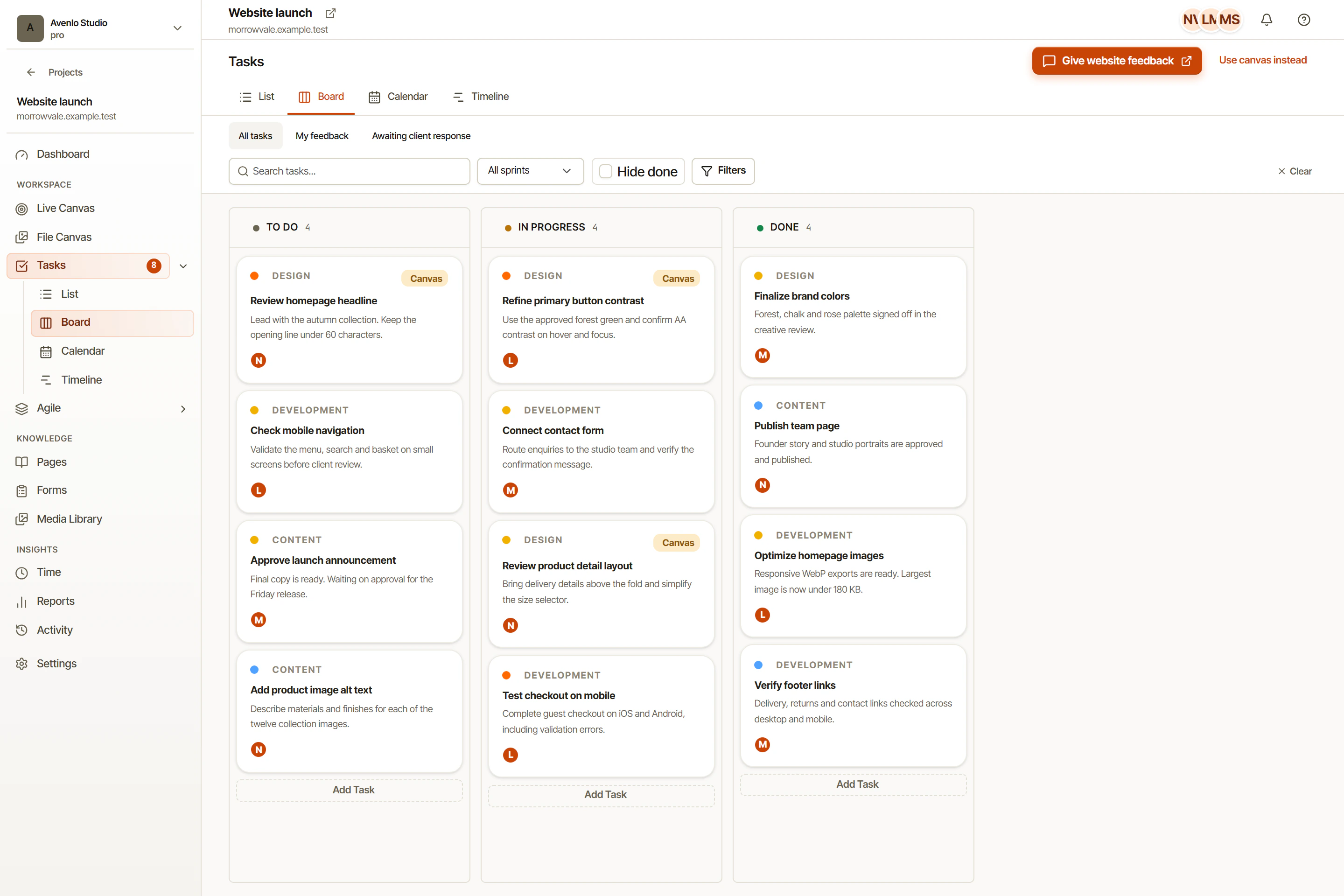
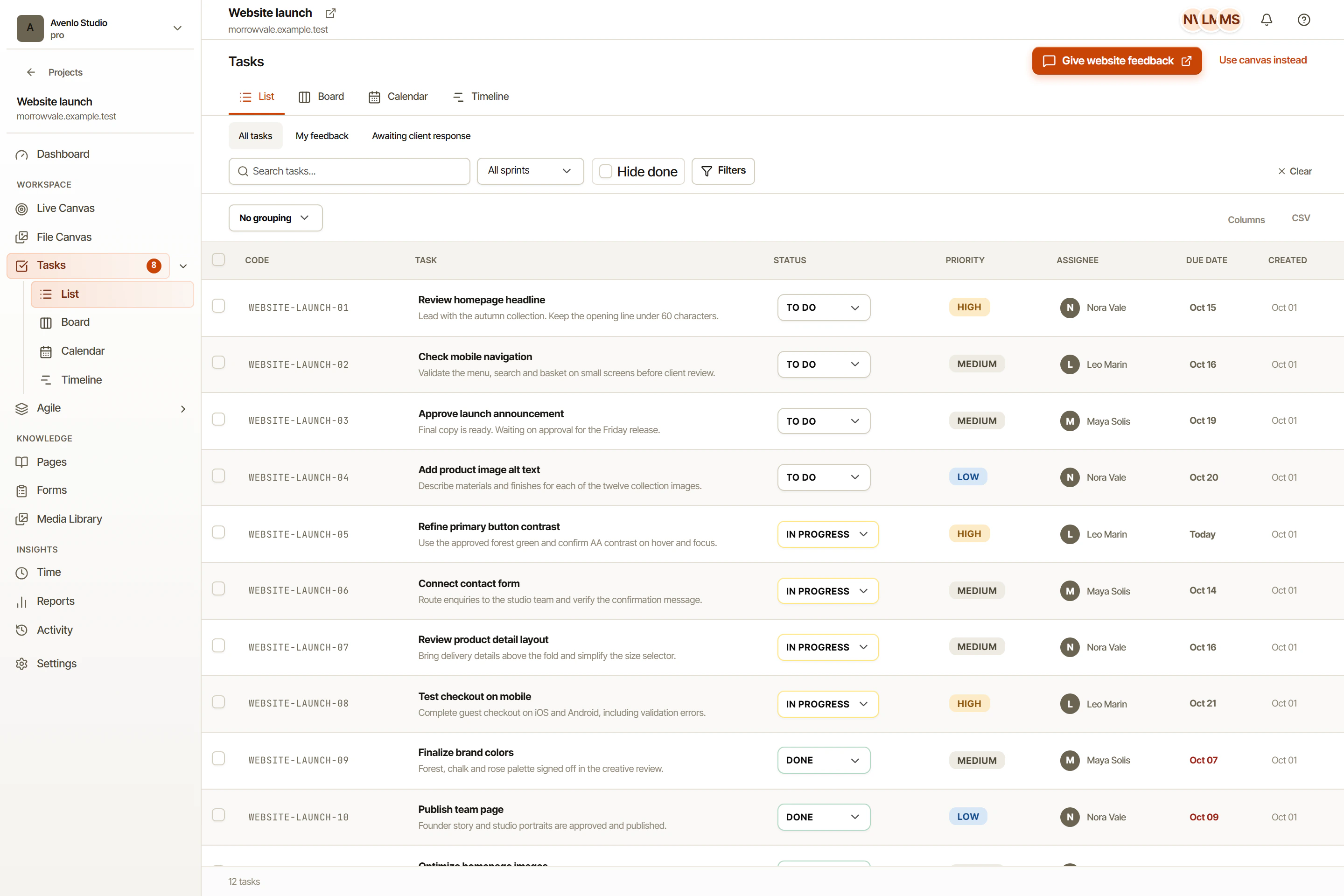
The backlog holds work to evaluate; the board shows the status of selected work. They may contain similar tasks, but they help the team make different decisions. Treating both as interchangeable lists can blur the difference between a request and a commitment.
OkFlow includes Agile backlog and board workflows, along with sprints. The software provides the organizing surfaces. A team still needs a convention for when work becomes ready, when it is selected, and what each workflow state means.
Let the backlog hold uncertainty
An incoming idea may be valuable without being ready to execute. It might need a clearer problem statement, feedback from a stakeholder, or a check against the project’s scope. Keeping it in the backlog gives the team space to evaluate it before implying that someone has started work.
Write enough context to explain why the item exists. Separate an observed problem from a proposed solution. “Visitors cannot find the contact details” states a concern; “make the footer taller” proposes one response. The team may discover a better response during refinement.
Review older items periodically. Remove duplicates, clarify unclear requests, and record why a useful idea is deferred. A backlog is not more trustworthy simply because it contains every suggestion ever received.
Let the board describe execution
When work enters the active workflow, it should have an understandable outcome and an owner. The board then supports a conversation about movement: what can start, what is in progress, and what needs review. A status should summarize the work’s state rather than conceal its missing definition.
Agree on the meaning of completion. If implementation is done but the client still needs to review the result, record that distinction. Otherwise the board can look finished while an important decision remains open.
Make the transition deliberate
At planning time, compare candidate items with the current goal and the team’s availability. Select the work that is ready and relevant. If the team uses sprints, define the intended outcome for that period instead of selecting items only to fill capacity.
New requests should follow the same decision process, even when they arrive during execution. Explain why urgent work changes the plan and which commitment is affected. Keep the reasoning in the task discussion.
In OkFlow, use the backlog to preserve possibilities and the board to discuss agreed work. That distinction gives the team a clearer account of what it is considering and what it is actually delivering.
Use the task workspace for agreed work and the sprint planning guide when the team is ready to select a planning period. For a concrete review example, follow the website feedback workflow.