Website launch checklist: what to check before going live
Download a CSV checklist to review content, links, forms, and approvals before publishing a website.
Updated:
A launch date can make a project feel settled before the work is actually ready. The useful question is not whether every item has a checkmark. It is whether someone has inspected the result, recorded unresolved risks, and made the decisions required to publish.
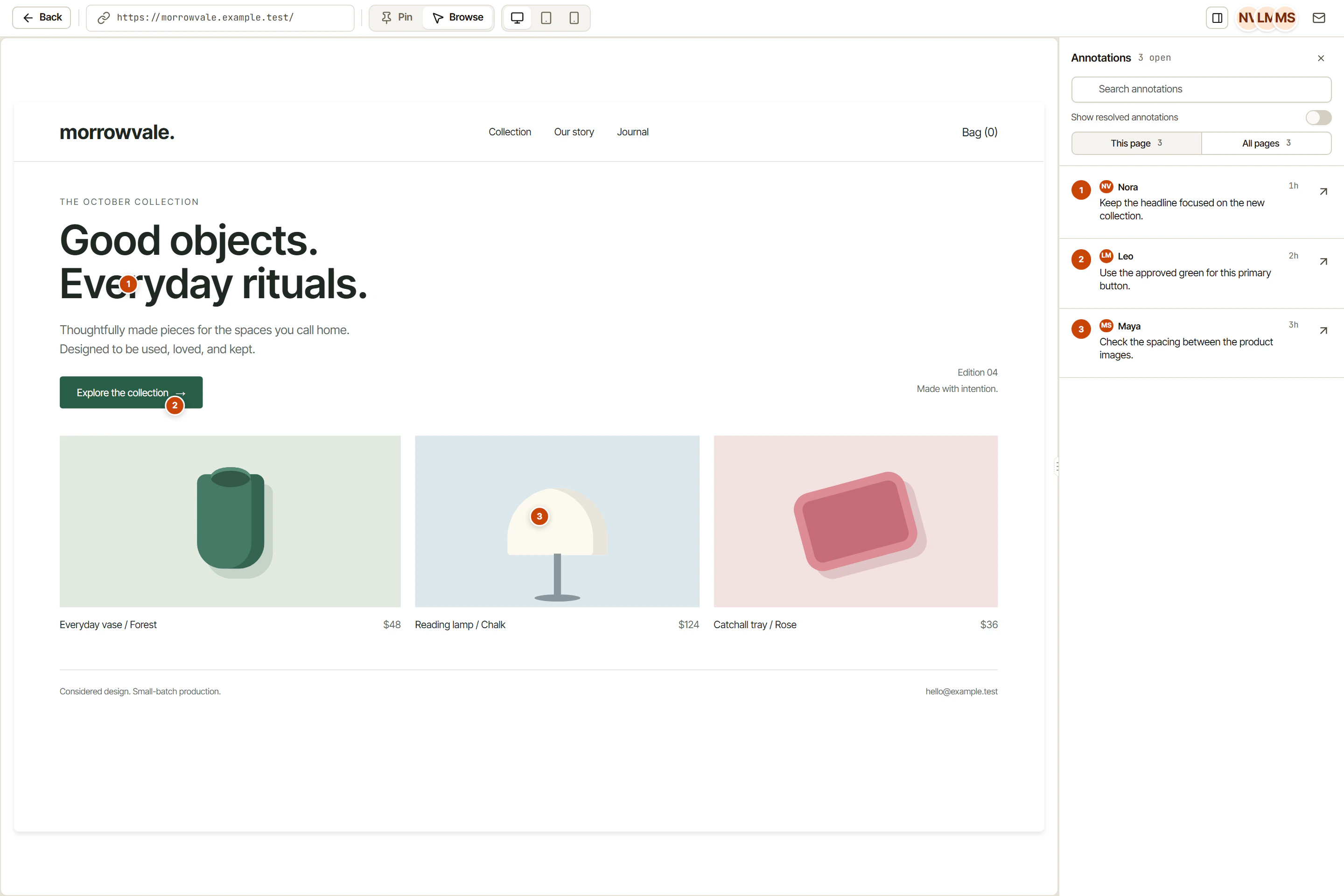
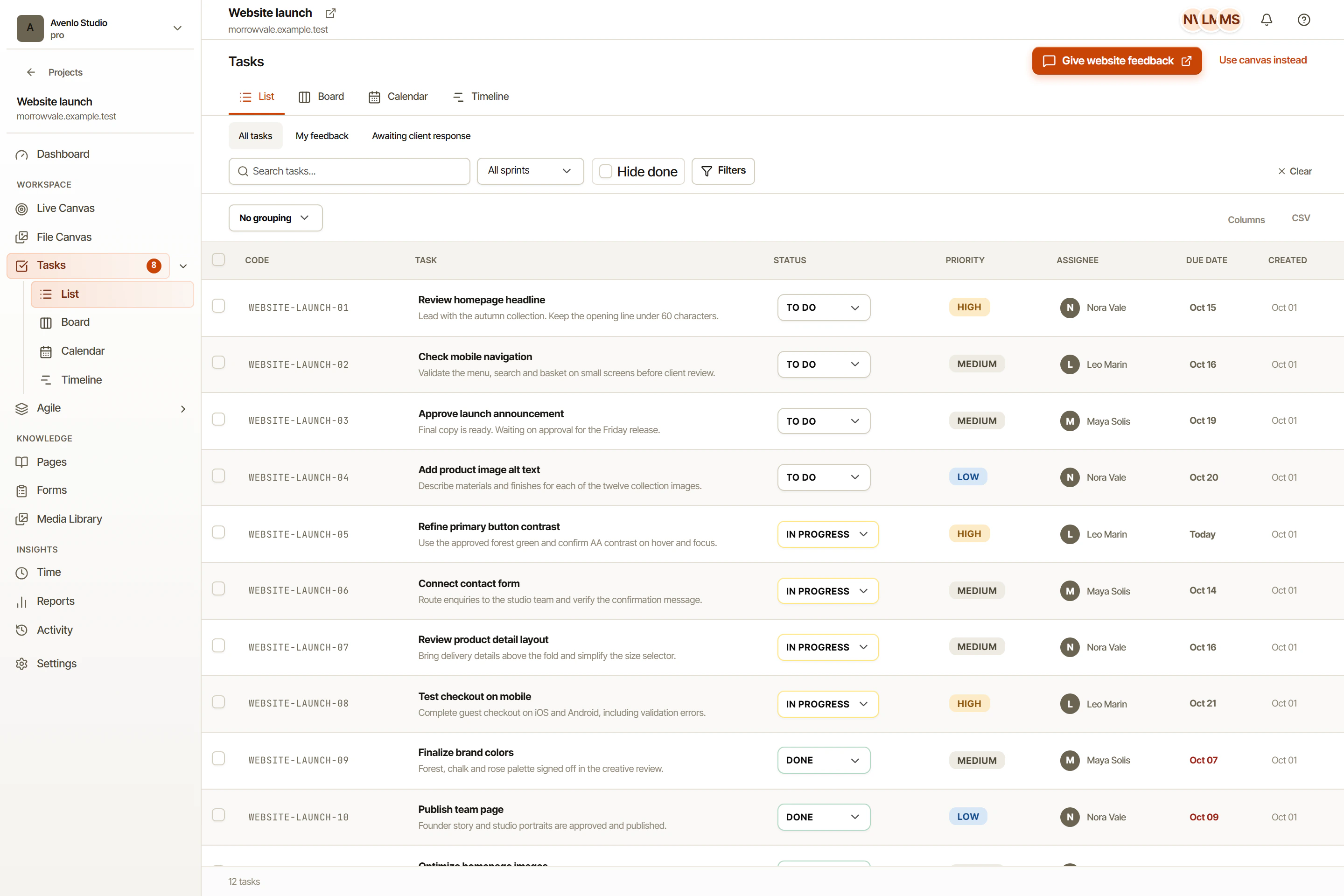
Use a launch checklist as a collection of specific tasks. In OkFlow, rich-text descriptions can hold acceptance criteria, comments can preserve review discussion, and visual annotations can connect website observations to the changes they require. The checklist remains a team process, not an automatic certification of readiness.
Confirm content and destination
Read the actual published candidate, not only the original brief. Check names, contact details, offers, dates, and the destination of important links. If a claim needs supporting evidence or approval, record who must confirm it before release.
Review page titles, descriptions, and language-specific routes where they apply. Check that a visitor following a link reaches the intended content. A translated heading is not enough if the surrounding page or next step is in the wrong language.
Inspect the important screen states
Review the site at narrow and wide sizes, paying attention to navigation, long text, images, and forms. Include the states visitors actually encounter: empty fields, errors, expanded menus, and confirmation messages. Use visual annotations to identify local issues precisely.
Keyboard navigation, focus visibility, heading structure, and meaningful image alternatives belong in the review as well. These checks help identify problems; they do not, by themselves, establish compliance with a standard. Seek specialist review when the project’s requirements call for it.
Test the important actions
Walk through the primary journey from entry page to intended outcome. Verify forms with appropriate test data and confirm where a submission goes. Check the agreed configuration of any supported integrations rather than assuming that a visible connection means the full workflow is correct.
Record the conditions and result of each check. If a task fails verification, name the remaining issue and the person responsible for resolving it.
Make the publication decision explicit
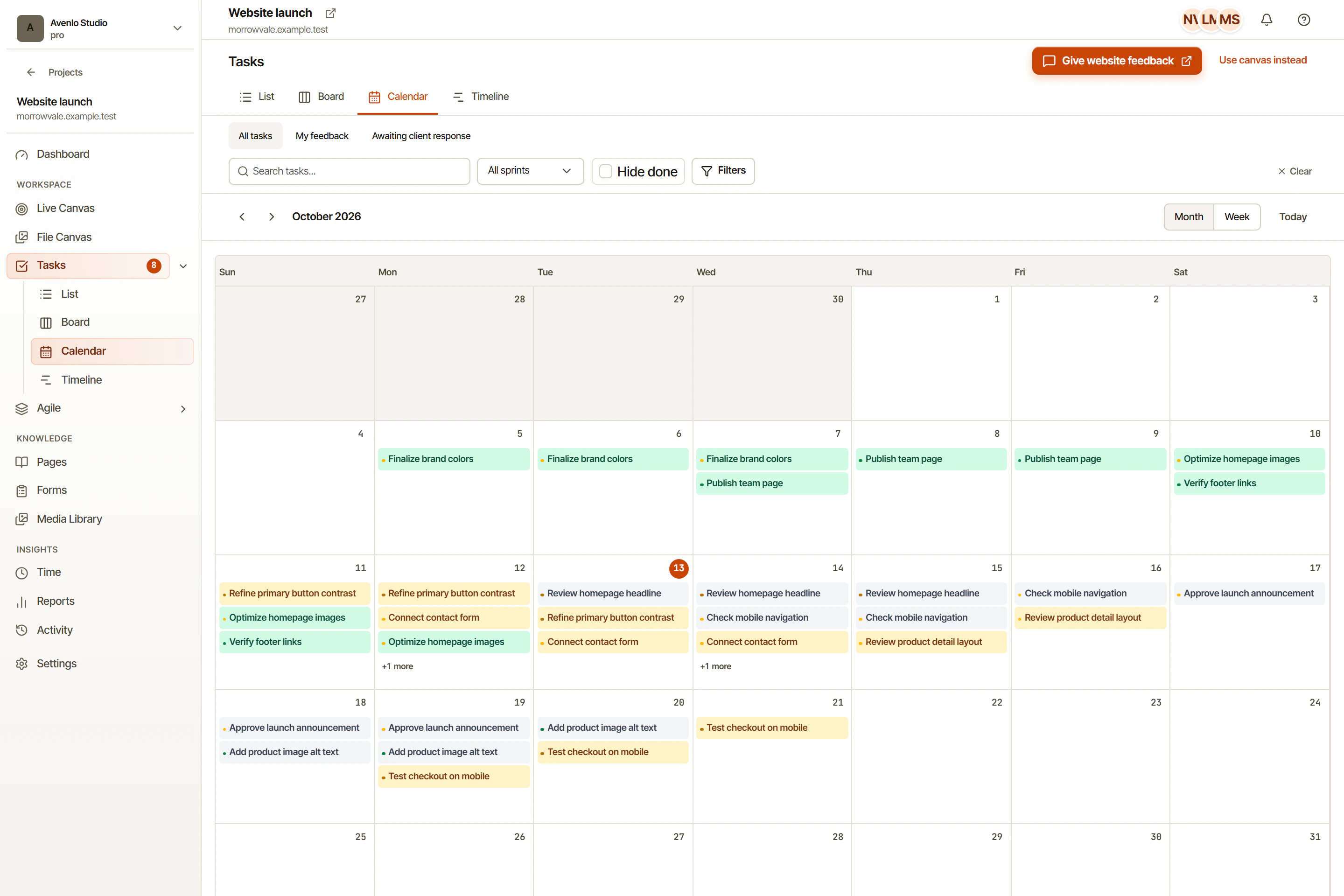
Reserve time for final review in the calendar or timeline. Agree on who can authorize publication and who handles a problem discovered afterward. Keep a practical recovery plan appropriate to your hosting setup; do not invent one during the release window.
Close the checklist with a decision that reflects the evidence. Publish when the responsible people understand what is ready and what remains. Keep that account connected to the project in OkFlow.
Turn the checklist into a review record
A useful checklist row has a check, an owner, a result, and a reference to the evidence. “Forms tested” is hard to assess later. “Contact form: valid submission reached the intended inbox; empty and invalid email inputs were rejected” tells the next person what was actually verified.
Download the website launch checklist. It is a CSV worksheet with starter checks for content, links, forms, keyboard use, mobile layouts, search metadata, and the publication decision. Open it in a spreadsheet or copy the relevant items into your task tool. It is not an OkFlow import format or a compliance certification.
Adjust it to your site. A payment flow, account registration, or a content migration needs checks beyond this starter list. Give a blocked item a specific next action rather than checking it off because the deadline is close.
Use calendar and timeline views to reserve the review period and project Pages to keep the launch brief and decision together. If the checklist exposes visual issues, the website feedback workflow explains how to turn them into tasks someone can verify.