How to manage website approvals with clients
Keep agency feedback actionable with scoped guest review, explicit decisions, and tasks connected to the deliverable.
Updated:
A client saying “looks good” can mean several things. The design may be approved, the wording may still need legal review, or the person replying may not own the final decision. An agency needs more than positive language to know which work is ready to move forward.
OkFlow supports guest review links and visual annotations linked to tasks. These capabilities help bring external feedback into a project context. They do not turn every comment into a formal approval or replace the agency’s agreement with its client.
Define the review round before it starts
Name the deliverable, the version being reviewed, and the decisions required. A useful review brief might ask the client to confirm the offer and contact details while noting that imagery will be evaluated in a later round. This prevents unrelated questions from being mistaken for blockers to the current decision.
Agree on who consolidates feedback and who gives the final answer. Multiple reviewers can contribute useful observations, but conflicting instructions need a decision owner. Record that responsibility in the project brief so the team does not have to infer it from the latest reply.
Keep guest participation scoped
Check the intended review scope before inviting an external participant. Guest access should match the work the person is expected to review. Review the configured access rather than assuming an invitation grants exactly the visibility your process requires.
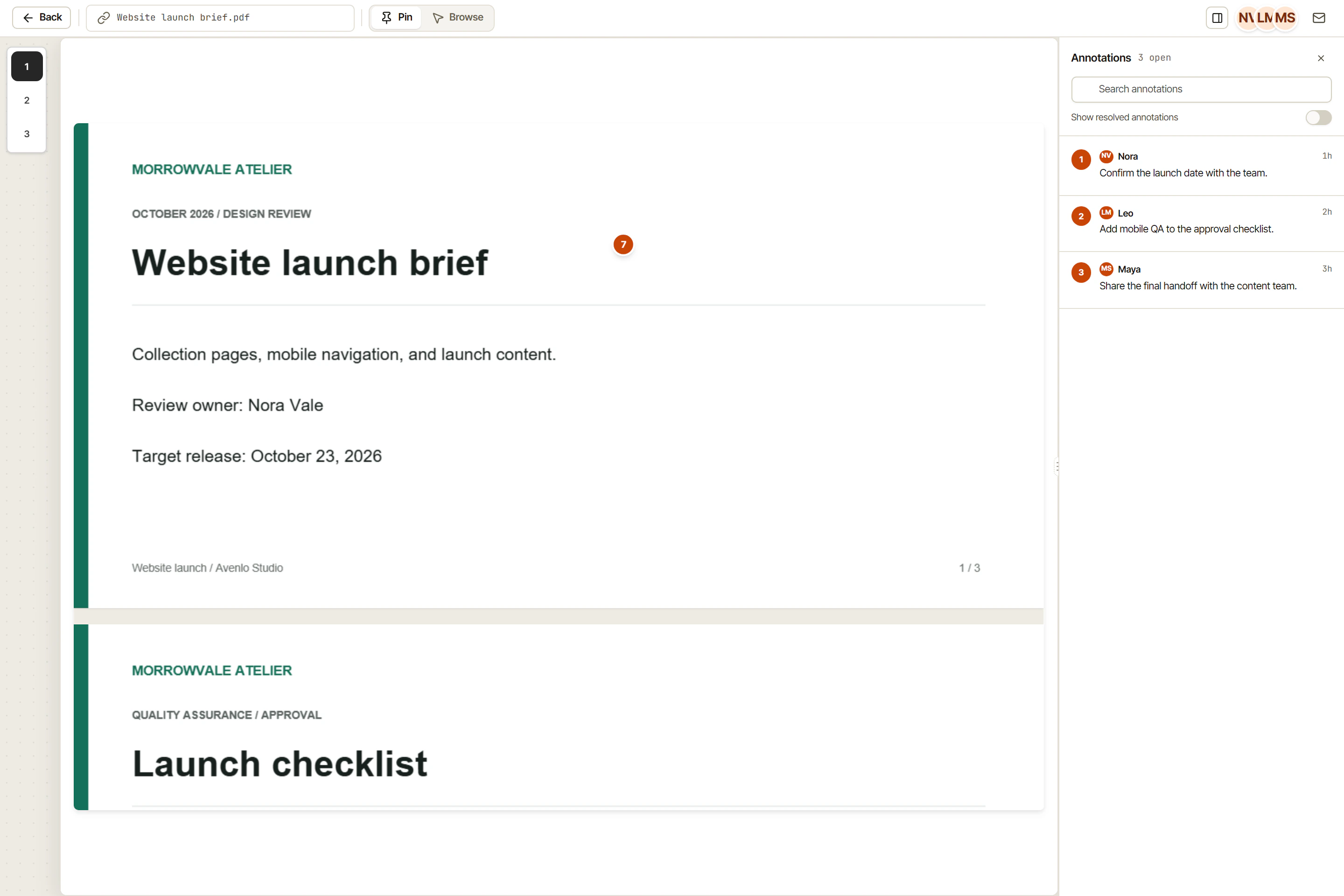
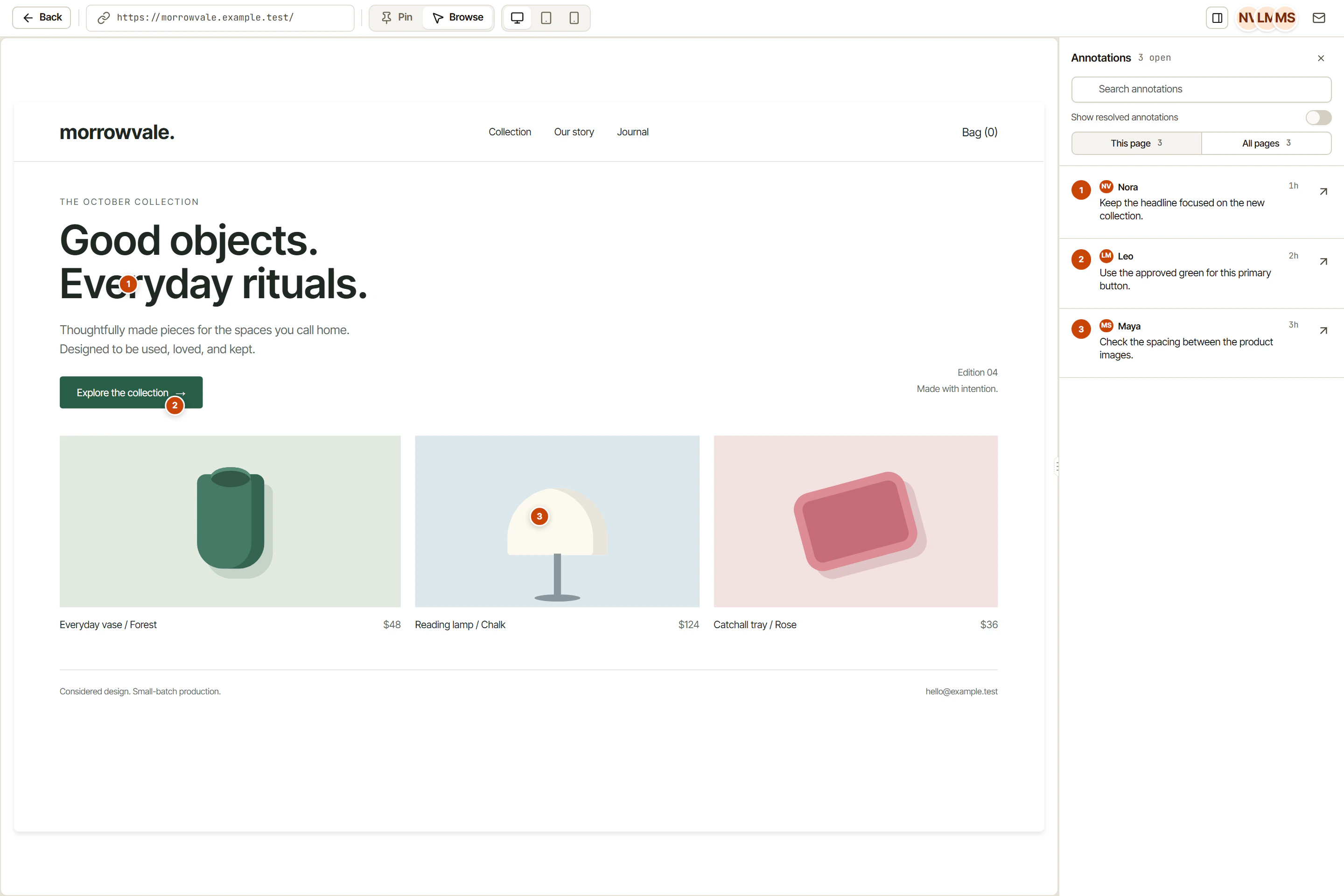
Ask for feedback that describes a location, a concern, and the expected outcome. A visual annotation can supply the location; its linked task can hold the agreed change and the discussion that led to it. If a client requests something outside scope, record the request and make a separate decision about timing and responsibility.
Distinguish comments from decisions
“Could the headline be shorter?” is a question. “Use the approved headline in the brief” is an instruction. “The current headline is approved for this release” is a decision. Keeping those meanings explicit helps the agency avoid implementing an unresolved suggestion as if it were settled.
Summarize the outcome of the review round in the relevant task or project Page. Name the remaining changes and who will confirm them. Do not describe the deliverable as approved while those conditions are still open.
Use OkFlow to keep review context and execution together, then apply the approval convention agreed with your client. The software holds the discussion; people remain responsible for the decision.
Copy this review brief before your next round
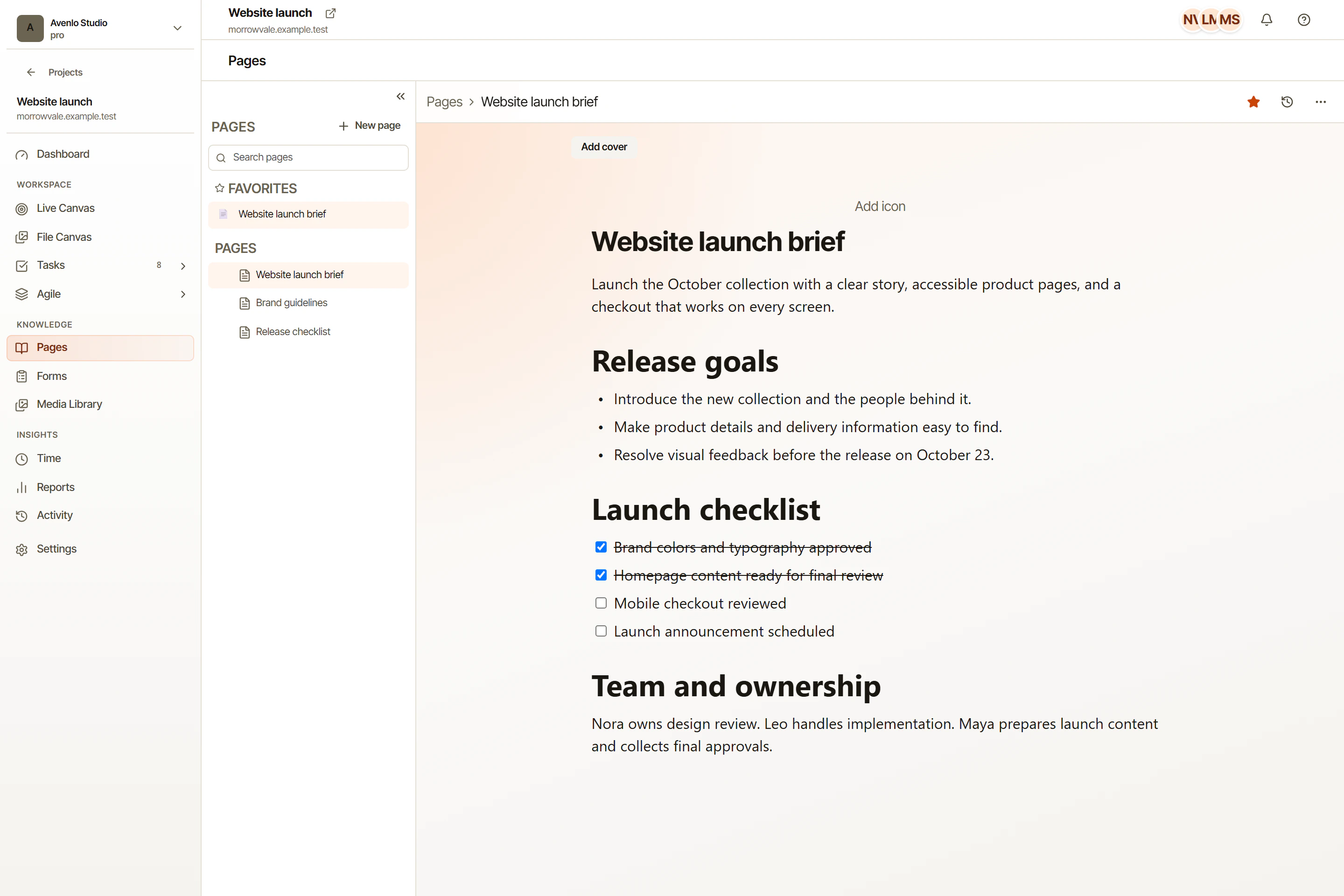
Send a short brief with the review invitation. Make the decision small enough that the recipient can answer it:
Deliverable and version:
What needs a decision in this round:
What will be reviewed later:
Reviewers:
Final decision owner:
Feedback due:
Where to leave comments:
For example, the client may approve the copy on a campaign page while the agency continues testing the form. Record those as separate outcomes. Otherwise “approved” can be mistaken for permission to publish a page whose main action has not been tested.
When the decision arrives, capture the actual wording, date, version, and remaining conditions. If someone approves by email, preserve the reference in the project record. Do not silently turn a reviewer’s suggestion into the final approver’s decision.
Download the client review brief. It includes space for the final decision and any conditions still open. Store the completed brief in project Pages and confirm guest access before the next invitation. For the feedback-to-task steps between invitation and approval, use the website review workflow.