How to review AI task suggestions before assigning work
A review-first approach to AI-assisted project writing that checks evidence, scope, and acceptance criteria before committing work.
An AI-generated suggestion can sound like a finished decision. A neatly written task title or acceptance checklist may hide an assumption that nobody has verified. The useful boundary is simple: generated text is a proposal until a responsible person checks it against the project.
Use this checklist to review a draft before adding it to your plan. The examples help you evaluate proposals; they do not imply that OkFlow automatically executes each action.
Check the evidence behind the wording
Read the source observation before accepting the proposed task. If a reviewer reported an unclear heading, a suggestion to rebuild the entire page may exceed the evidence. Ask which facts support the change and which parts are inference.
Look especially closely at dates, product capabilities, customer claims, and promised outcomes. Fluent language is not evidence that those details are correct. Remove unsupported statements or return them to the person who can confirm the underlying fact.
Do not supply sensitive project or client material to a service without checking the permissions and data-handling requirements that apply to your team. An efficient draft is not a reason to bypass those decisions.
Review scope before assigning ownership
A suggestion can combine several independent changes into one impressive-looking task. Split the work where responsibilities or acceptance conditions differ. Decide whether each item is necessary now, belongs in the backlog, or should be discarded.
The person accepting a task should be able to explain its expected result without relying on the generated wording. If nobody can describe why it matters, the draft is not ready for commitment.
Turn accepted ideas into inspectable work
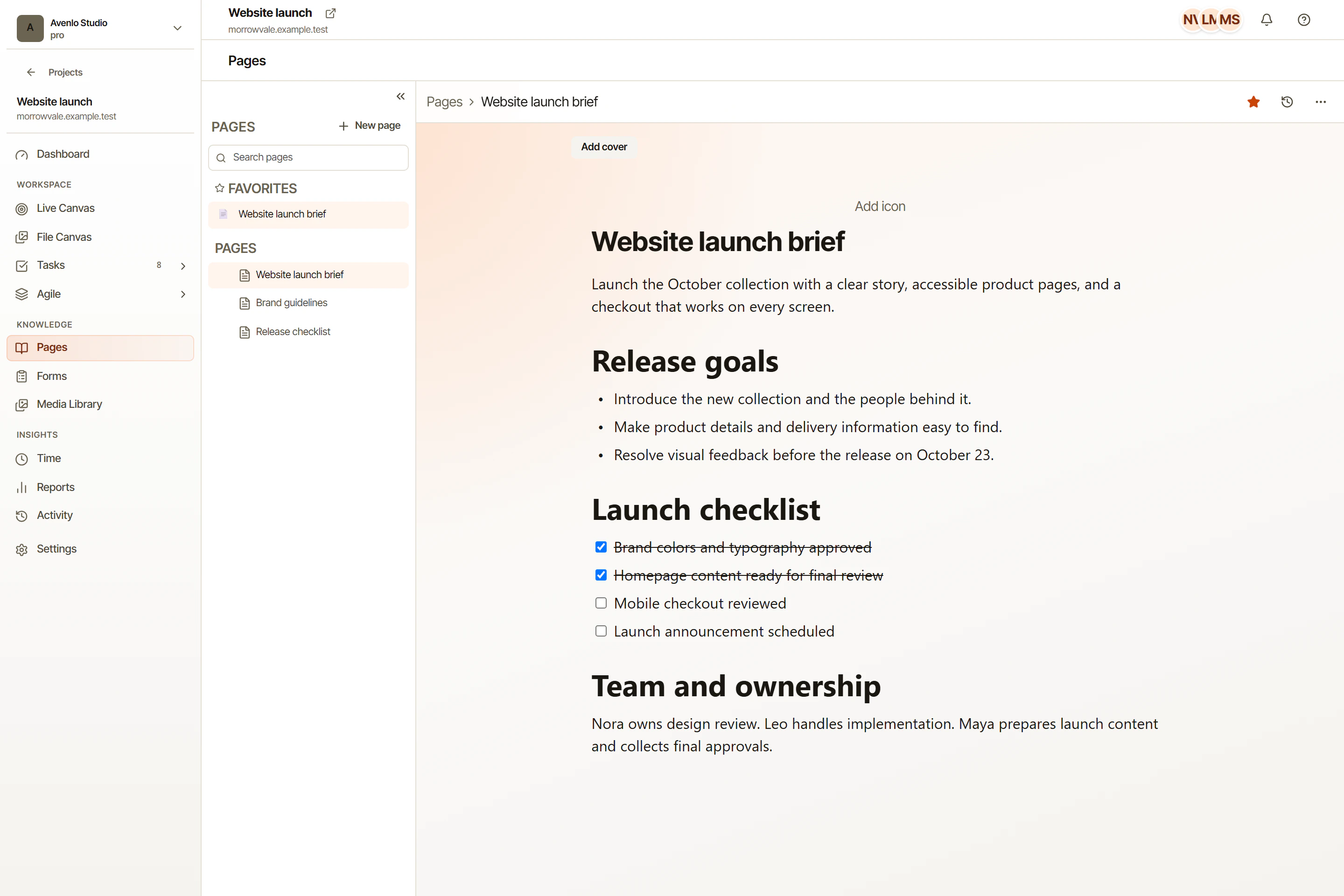
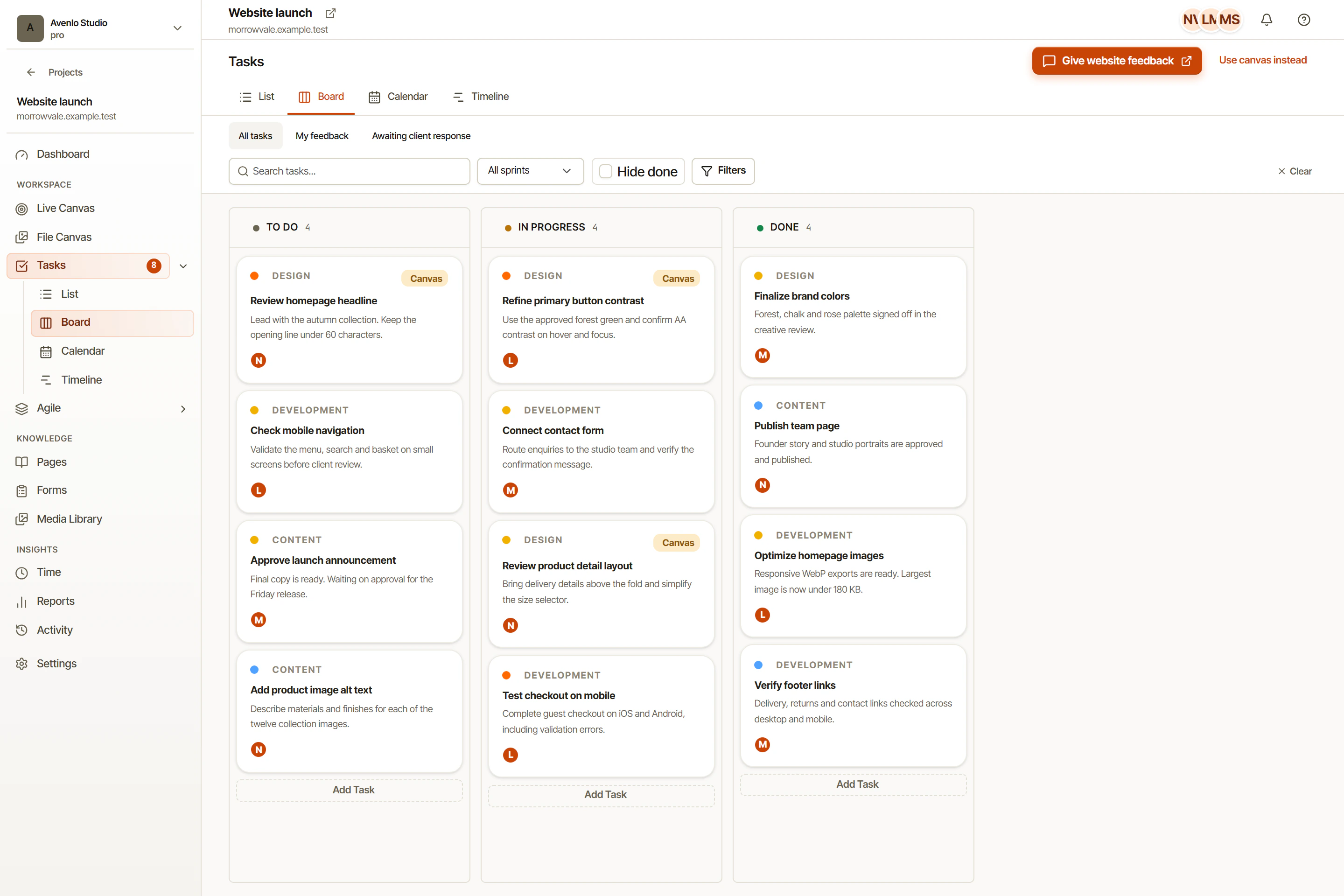
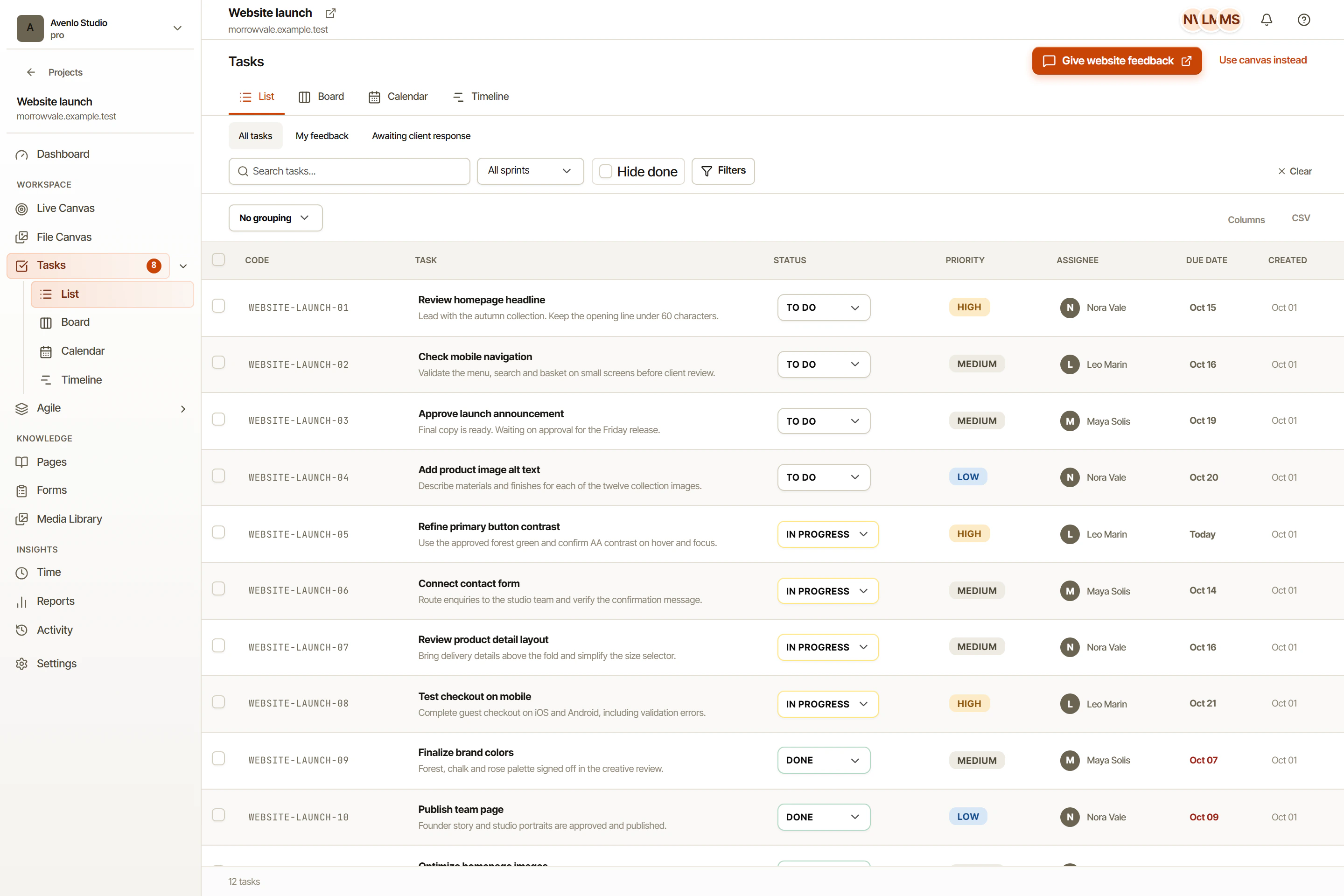
OkFlow’s rich-text task descriptions, comments, and mentions provide places to record acceptance criteria and ask for confirmation. Project Pages can hold the agreed brief. Visual annotations linked to tasks can retain the original review context when the suggestion concerns a website or file.
Preserve uncertainty explicitly. Write “confirm the intended label with the client” rather than presenting an invented label as approved. Human review should change the substance of the draft where necessary, not merely tidy its grammar.
Verify the delivered result
After implementation, compare the outcome with the accepted criteria and the original observation. A well-written suggestion is not proof that the change solved the problem. Keep that final check with the people responsible for the project, and record the decision in OkFlow.
See AI planning in OkFlow for the product workflow. Keep the accepted requirements in project Pages, then use the sprint planning process to decide which work the team can take on.