How to write project specs your team can work from
Use project Pages for briefs, specifications, and decisions that give task work a stable source of context.
A specification can be detailed and still fail the team. The problem is often not missing text; it is missing decisions. A document may describe a page thoroughly without saying which audience it serves, who approves the copy, or which requests are outside the current scope.
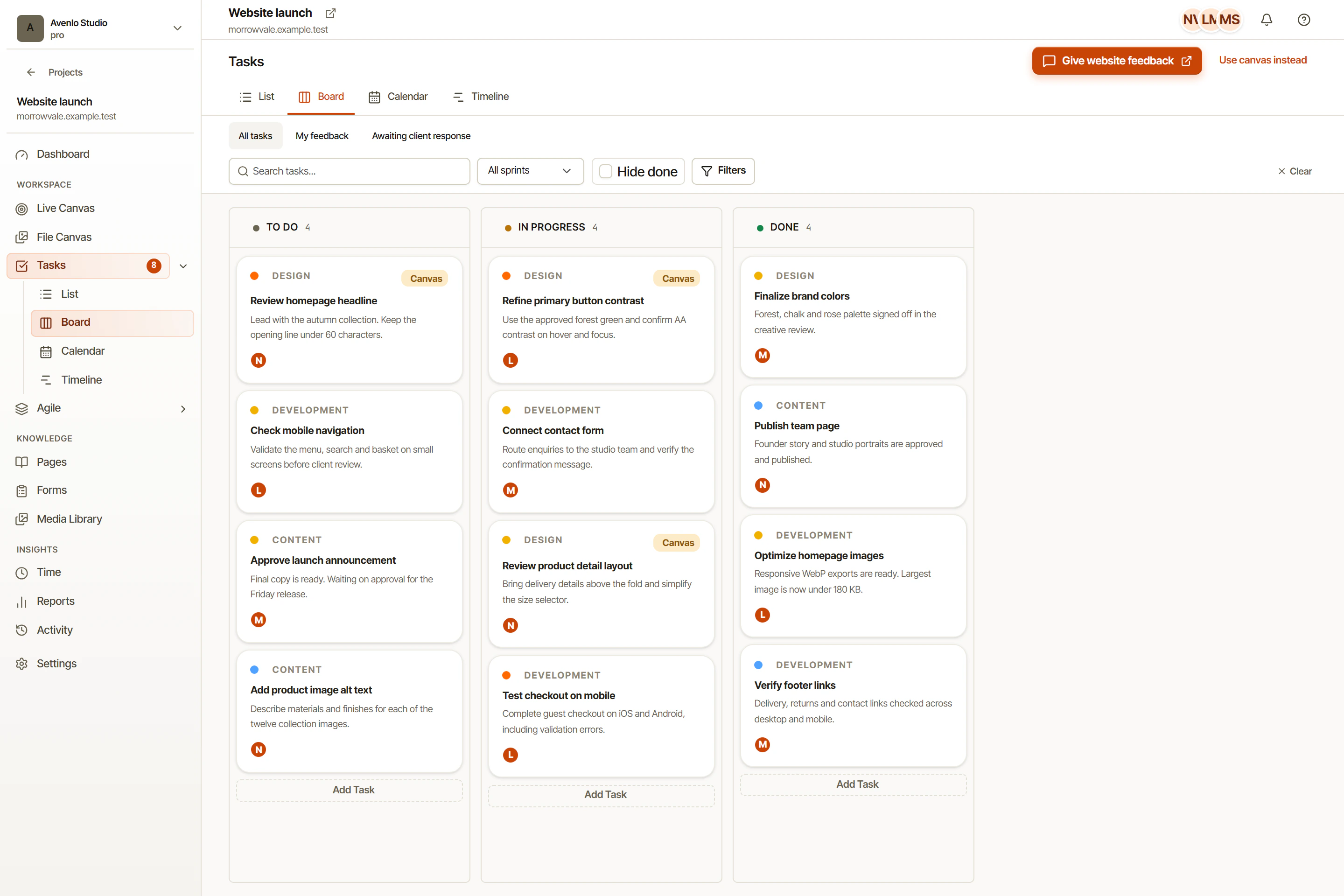
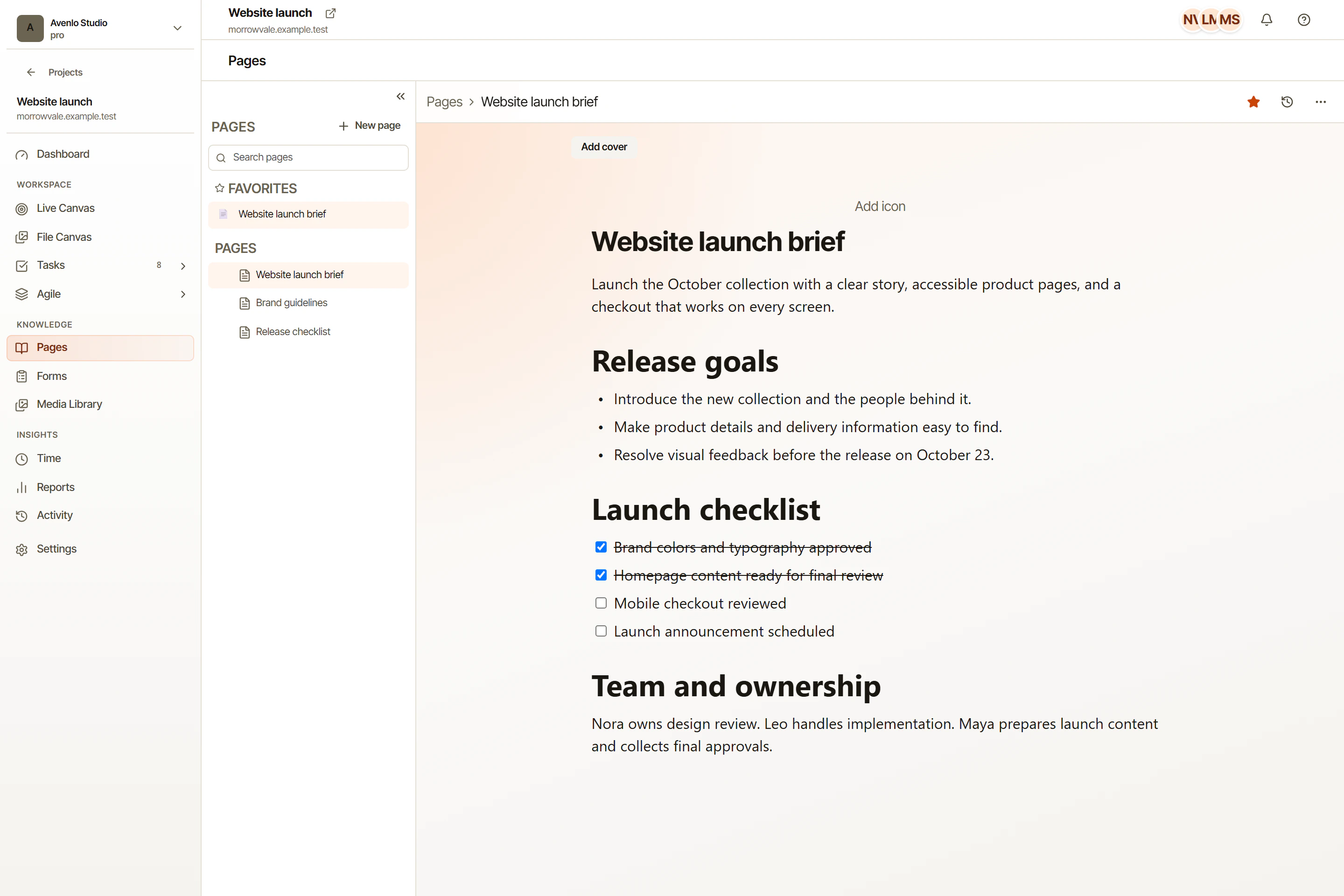
OkFlow’s project Pages editor gives teams a place to maintain briefs, specifications, and working notes alongside project work. A Page should explain the shared intent. A task should describe the particular outcome someone is responsible for delivering. Keeping that distinction helps both remain readable.
Start with the decisions that guide work
Write a short statement of the project’s purpose and audience. Then name the result the team expects to produce. For a website revision, that could be an updated service page ready for a defined review round, rather than a vague promise to improve the entire site.
Include what is in scope and what is not. If the project covers content and layout but not a new account system, say so. A boundary gives reviewers a way to distinguish an overlooked requirement from a separate request.
List the unresolved questions honestly. A brief with visible uncertainty is more useful than a polished document that presents assumptions as approved facts. Give important questions an owner and a point at which they need to be resolved.
Make acceptance criteria inspectable
Describe what a person can verify in the finished deliverable. Replace “the page feels modern” with concrete requirements about approved content, relevant layouts, and expected interactions. Keep the criteria proportionate to the work instead of turning a small edit into an exhaustive specification.
When a task depends on a decision in the Page, reference the relevant section in its description. Rich-text task descriptions and task comments can hold implementation detail without duplicating the entire brief. If the shared requirement changes, update the source and explain the consequences for affected work.
Preserve the reason for changes
A short decision note can record what changed, why, and who confirmed it. This is a writing convention, not a claim about automatic change logs or approval enforcement. Its value comes from the team maintaining it consistently.
Read the Page again before a milestone review. Remove obsolete instructions, distinguish final decisions from open questions, and check that the task work still follows the agreed intent. In OkFlow, project documentation should support delivery rather than become a separate record that nobody consults.
Use project Pages for the agreed brief and Forms when you need a structured way to gather project input. The client approval guide includes a brief you can copy for the next review round.