How to prioritize website feedback before a release
Decide which website comments need a fix, a client decision or a later release. Includes a worked triage example and a copyable task-priority worksheet.
To prioritize website feedback, identify the visitor action affected, check the evidence and agree on the next decision. Put confirmed release blockers into the delivery plan. Give unanswered questions an owner. Keep later ideas in the backlog with a reason and a date to reconsider them.
A review can produce twenty comments in an afternoon. The order they arrived tells you very little about which change should ship first. A broken contact form can sit below five requests about the hero image.
Use a short triage pass before assigning implementation work. The example below is fictional and shows how an agency might review one landing page. Adapt the decisions to your own release commitments.
Start with the action the visitor needs to complete
Write down the page’s purpose for this release. For a consultation page, that might be submitting a valid inquiry and receiving a clear confirmation. Ask what each comment means for that route.
Record the observed problem separately from the proposed fix. “Make the button orange” suggests a solution. “I could not find how to request a consultation on my phone” describes a problem the team can investigate. The final change might involve wording, placement or something else entirely.
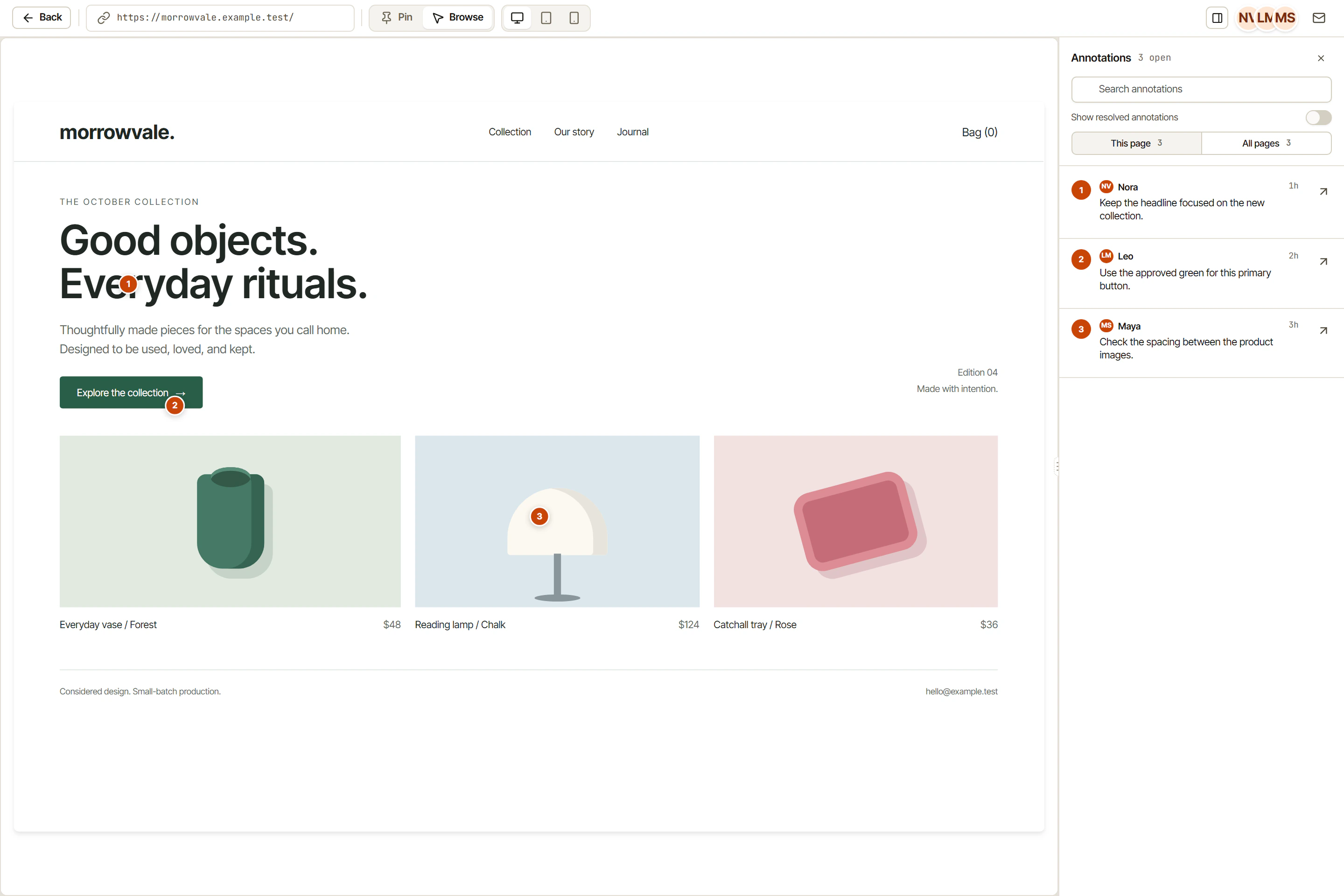
For each comment, capture the page, relevant conditions and evidence. A visual pin helps locate the concern. If the issue involves behavior, add the steps and observed result. Use the website feedback task template when the original comment needs more detail.
Sort the comments by their next action
| Comment | What to establish | Possible next action |
|---|---|---|
| “The contact form never confirms submission.” | Reproduce the result and check whether the inquiry arrived. | Assign investigation before approving the contact route. |
| “I cannot open the menu with my keyboard.” | Record the controls, key sequence and affected pages. | Assign an accessibility fix and a repeatable retest. |
| “Use a different heading.” | Identify the approved message and the copy decision owner. | Request a wording decision before implementation. |
| “Could we add a customer video?” | Confirm the purpose, available material and release scope. | Decide scope and timing before committing delivery. |
| “This same footer typo appears on six pages.” | Check whether the pages share a component or content source. | Link the affected locations to one correction and test them. |
These are example decisions, not a universal severity scale. A wording error that promises the wrong service may be more urgent than a small layout defect. Record the consequence instead of relying only on a label such as “high.”
Keep impact and scheduling priority separate
Impact describes what happens to the visitor. Scheduling priority records the team’s delivery decision. Keep both visible so a later reviewer can understand a deferral.
For a reported defect, ask:
- Which visitor task fails or becomes difficult?
- Which pages, languages and account states have been checked?
- Is there a usable workaround for the affected person?
- What remains unknown, and who will investigate it?
Avoid guessing how many people are affected. If the report covers one browser, record that scope and assign the additional checks. One confirmed barrier still deserves attention even when traffic data is missing.
Keyboard operation is an accessibility requirement for functionality covered by WCAG 2.2 Success Criterion 2.1.1, with a specific exception for functions that depend on the path of a movement. W3C explains the requirement in its keyboard accessibility guidance. Assess the actual behavior and document the barrier.
W3C also recommends integrating accessibility checks into routine QA and tracking findings through the issue process. Its implementation guidance discusses prioritization while keeping accessibility objectives in view. A triage label does not establish accessibility conformance.
Give unresolved choices a decision owner
Suppose the contact form problem is reproduced. The developer can investigate it while the client decides whether a new headline matches the offer. Those are separate next actions.
Write a specific question for the client:
For the consultation page, should the main heading use the approved service name or the proposed campaign wording? Please confirm the exact text before the copy task enters implementation.
Keep the answer beside the original feedback. If reviewers disagree, name the person authorized to settle the wording. The developer should have a clear instruction when the task is assigned. The client approval guide includes a brief for establishing those responsibilities.
For a deferred video idea, record why it is waiting and when the team will revisit it. “Waiting for approved footage, reconsider at the next content review” gives the backlog a useful next step.
Copy this triage note into the task
Original website comment and page:
Visitor action affected:
Observed result and evidence:
Conditions checked / still unknown:
Workaround, if verified:
Agreed next action:
Reason for the release decision:
Investigation / implementation owner:
Decision owner, if approval is needed:
Retest checks:
Review date for deferred work:
Before ending triage, read the release list aloud. Can each assignee explain the expected result? Does each open question have someone responsible for answering it? Have deferred comments kept their explanation?
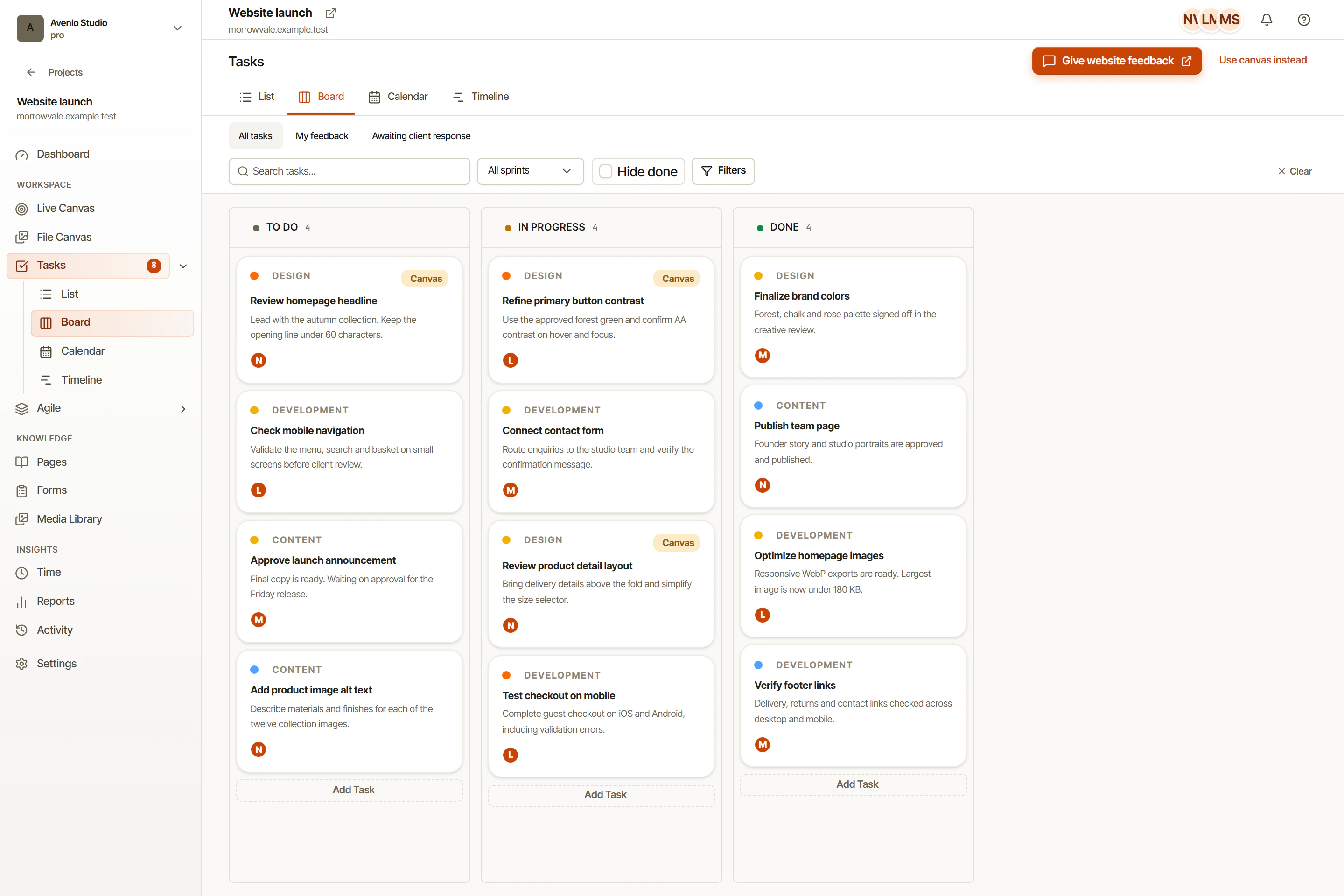
In OkFlow, connect the website annotation to its project task, keep the agreed decision with the discussion and assign the work. Use the backlog and board to review proposed work and delivery progress. When the change is ready, return to the page and record the retest. Time tracking and weekly timesheets can then keep the recorded effort with the project work.
Start the next review with one page and this worksheet. Keep the original feedback, the delivery decision and the verification result close enough that the next teammate can follow what happened.