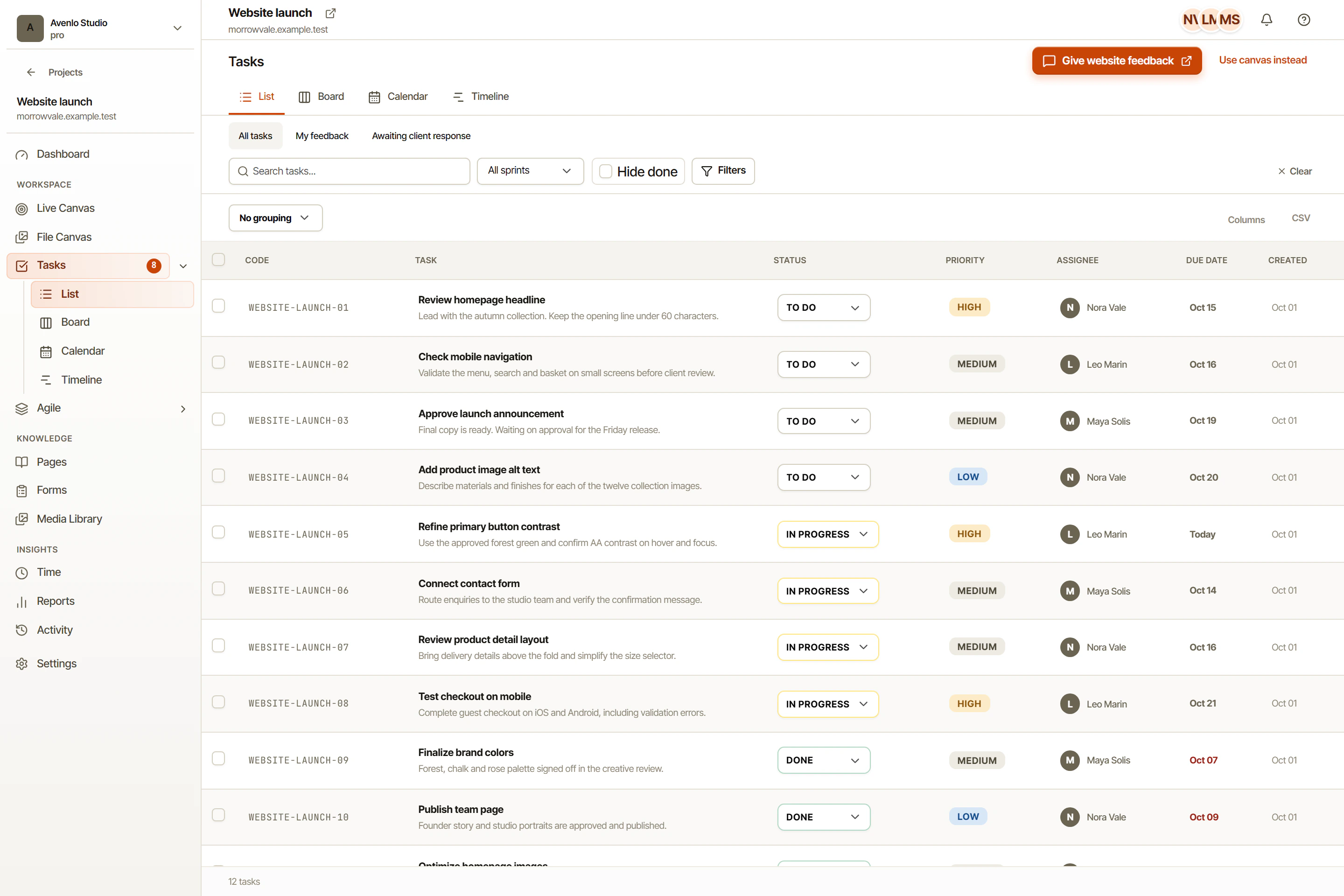
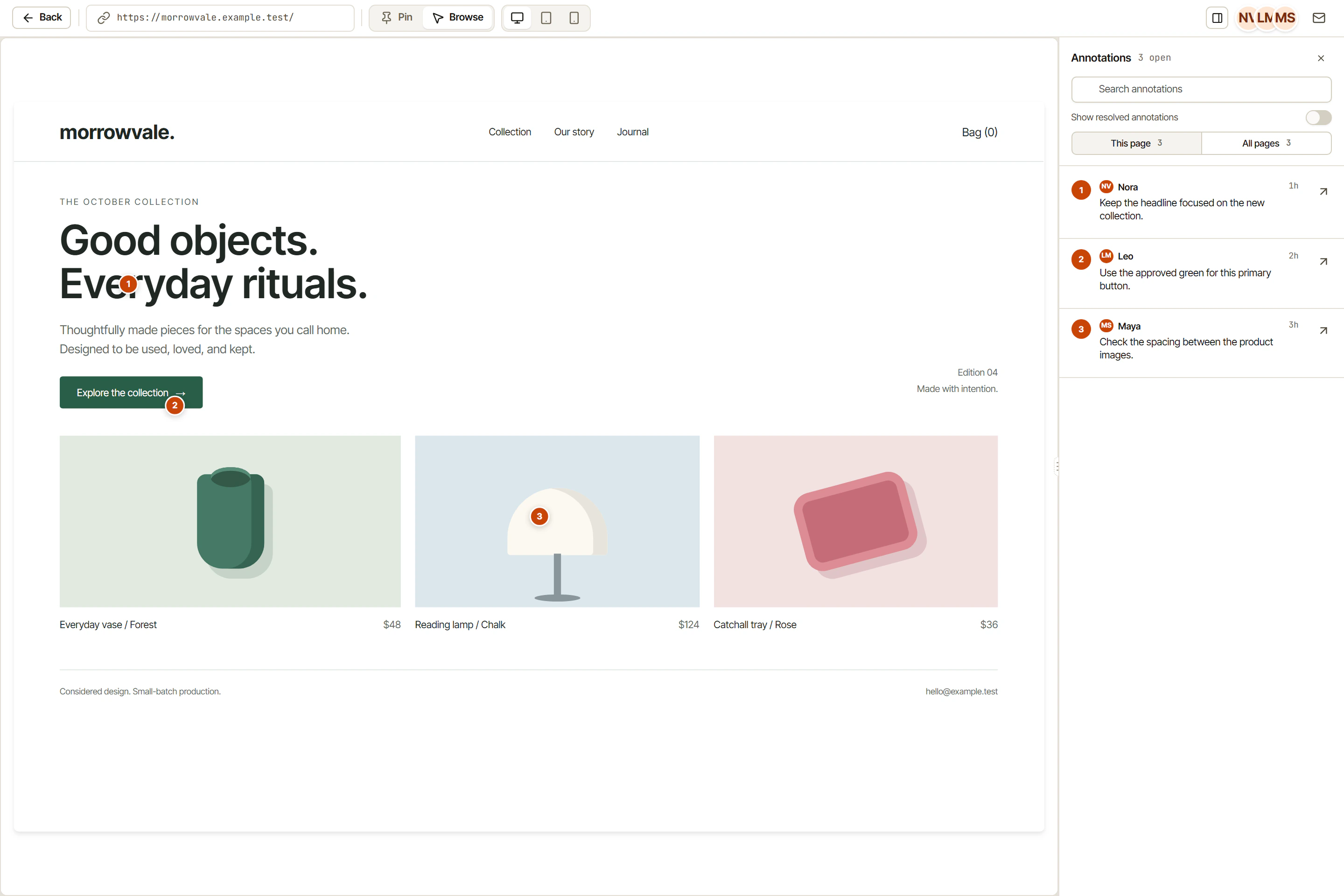
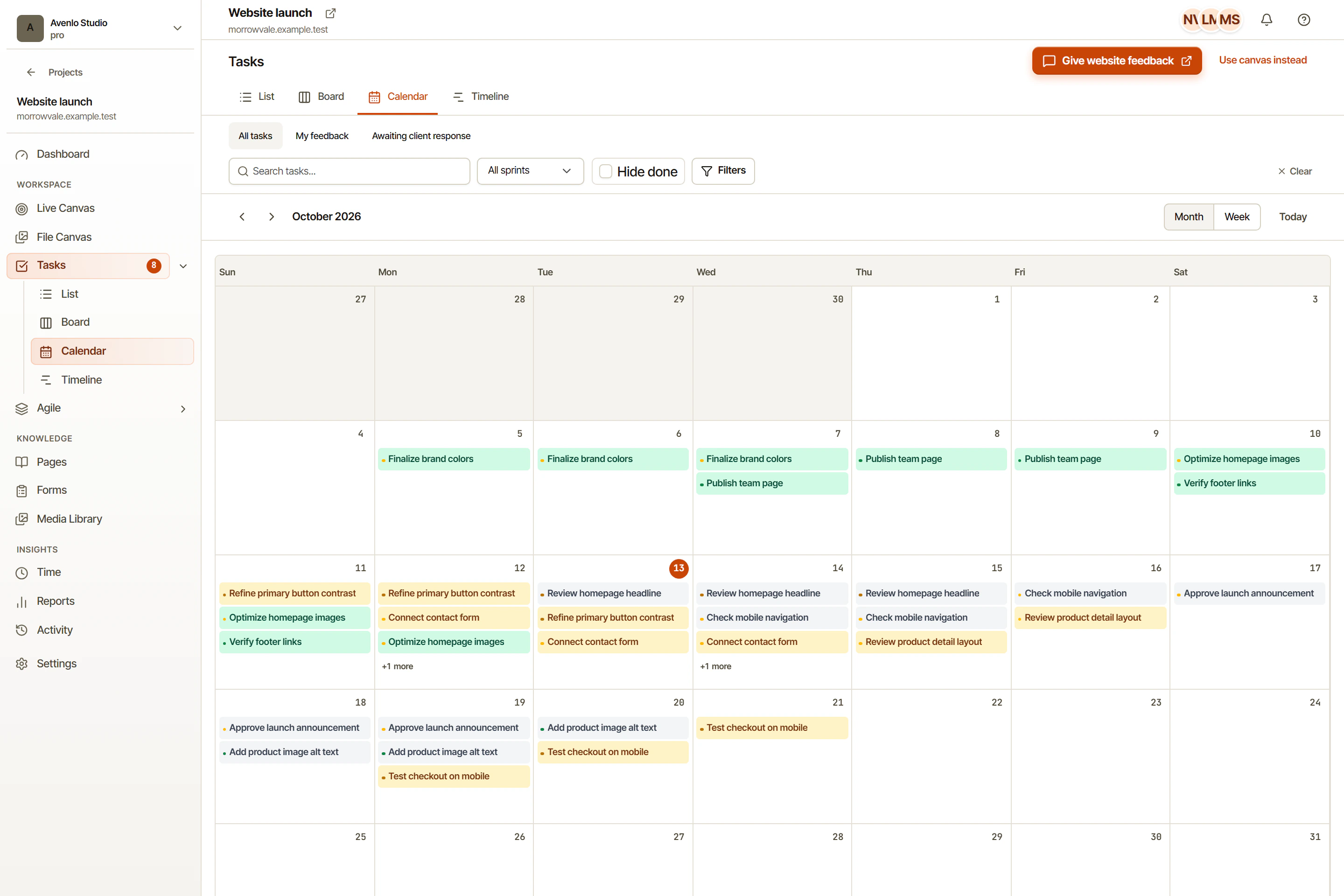
Translated landing page QA: check the whole path before running ads
A practical QA checklist for translated landing pages: ad links, mobile layouts, language switches, forms and signup. Includes a copyable test record.
A Spanish ad opens a Spanish landing page. The headline reads well, the button looks right, and the review ends there. Then a visitor clicks that button and lands on an English signup screen.
Review the route a visitor will actually take, including the next screen. A translated headline is only one part of that route. This checklist helps a developer, marketer and reviewer agree on what to test before sending traffic.
Start with the exact campaign link
Copy the destination from the ad draft. Open it in a fresh browser session without relying on a language preference saved during development. Check the address after any redirect, then follow the main call to action.
For example, a fictional Spanish campaign might use:
Destination: https://example.com/es/pricing
utm_source: facebook
utm_medium: paid_social
utm_campaign: launch_es
Record the expected language on the landing page, pricing details, signup and confirmation. If the next application supports only English, make that limitation clear before the visitor leaves the page. Do not label a partly translated flow as fully localized.
Use test accounts and sample data. Stop before any real purchase or message submission unless the test has been arranged with the team responsible.
Test meaning and layout together
Review the offer against the source version. Check what a plan includes, who the price applies to, the billing period and any limits. The words can change naturally between languages; the commercial promise should stay consistent.
Then check the page on a narrow screen. Translated labels may take different amounts of space. Look at buttons, plan comparisons, navigation menus and error messages. Try the longest real strings rather than shortening them just to make a screenshot look tidy.
| Check | Example failure | Evidence to keep |
|---|---|---|
| Main action | A Spanish button opens an English route unexpectedly | Starting URL and destination |
| Plan details | One language omits a limit shown in the other | Both versions of the same plan |
| Mobile layout | A translated label hides behind an icon | Viewport, browser and screenshot |
| Form error | The form is Spanish, but its validation message is English | Input used and visible error |
| Confirmation | The next screen changes language without warning | Steps and final screen |
If a problem depends on a particular screen size, include that size in the bug report. “Spanish layout broken” is a difficult task to reproduce.
Switch language in the middle of a task
Open a specific page, such as pricing, and change its language. Check whether the destination is the equivalent page or the homepage. Write down the intended behavior first so the reviewer has a clear expected result.
Try the selector with a keyboard too. Our keyboard navigation QA guide explains a focused menu check. On forms, verify labels, errors and the next action in each supported language; use the contact form acceptance criteria as a starting point.
The document language is another developer check. The HTML lang attribute identifies the content language and helps assistive technology use the appropriate pronunciation, as MDN explains. Check it alongside the visible text.
Keep search checks separate from ad-path checks
A working campaign link does not establish that search engines understand the translated pages. Ask the developer to inspect the language alternatives in the rendered page or the site’s chosen implementation.
Google’s localized-page guidance says each version should reference itself and its alternatives, with reciprocal links and complete URLs. These signals help describe the relationship between versions; they do not guarantee ranking.
For the manual review, check that the title, search description and shared-link preview describe the correct language and offer. Report mismatches separately from a broken button so each issue has a clear owner.
Check attribution without inventing a conversion
Keep a record of the actual campaign URL and any redirects. Google’s campaign URL guide describes using UTM parameters to identify referring campaigns in Analytics. Consistent source, medium and campaign names make later investigation easier.
A URL containing UTM parameters is not evidence that a registration or purchase was recorded. Those outcomes need a separate test in the approved environment, including the site’s consent behavior. Label any test records so nobody mistakes them for customer acquisition.
Copy this review record
Campaign / creative / intended audience:
Exact destination URL:
Expected language at each step:
Page > main action > signup or form > confirmation:
Offer and plan details checked against:
Device / browser / viewport:
Language selector and keyboard result:
Visible errors / document language:
Search metadata and language alternatives checked by:
Attribution check / test environment:
Observed result / evidence / owner:
Untested steps and release decision:
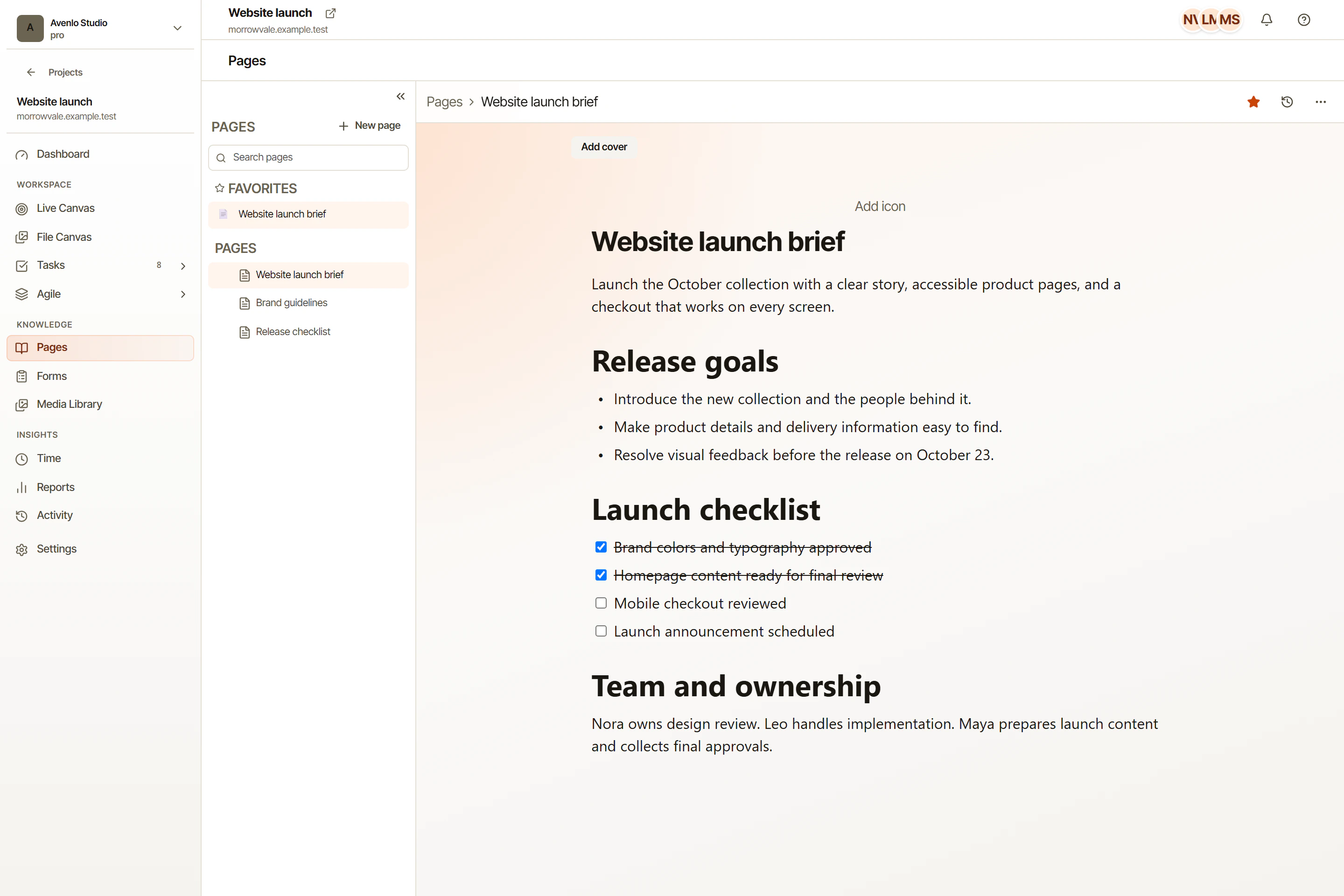
Keep the record with the project task. In OkFlow, the visual comment can identify the page detail that needs fixing while the task carries the owner and follow-up. After the fix, repeat the affected language route and the equivalent source route. Add the result to your website launch checklist.