How to hand off an unfinished website task
Give a teammate a clear starting point for unfinished website work. Includes a handoff example, verification notes and a checklist for the next owner.
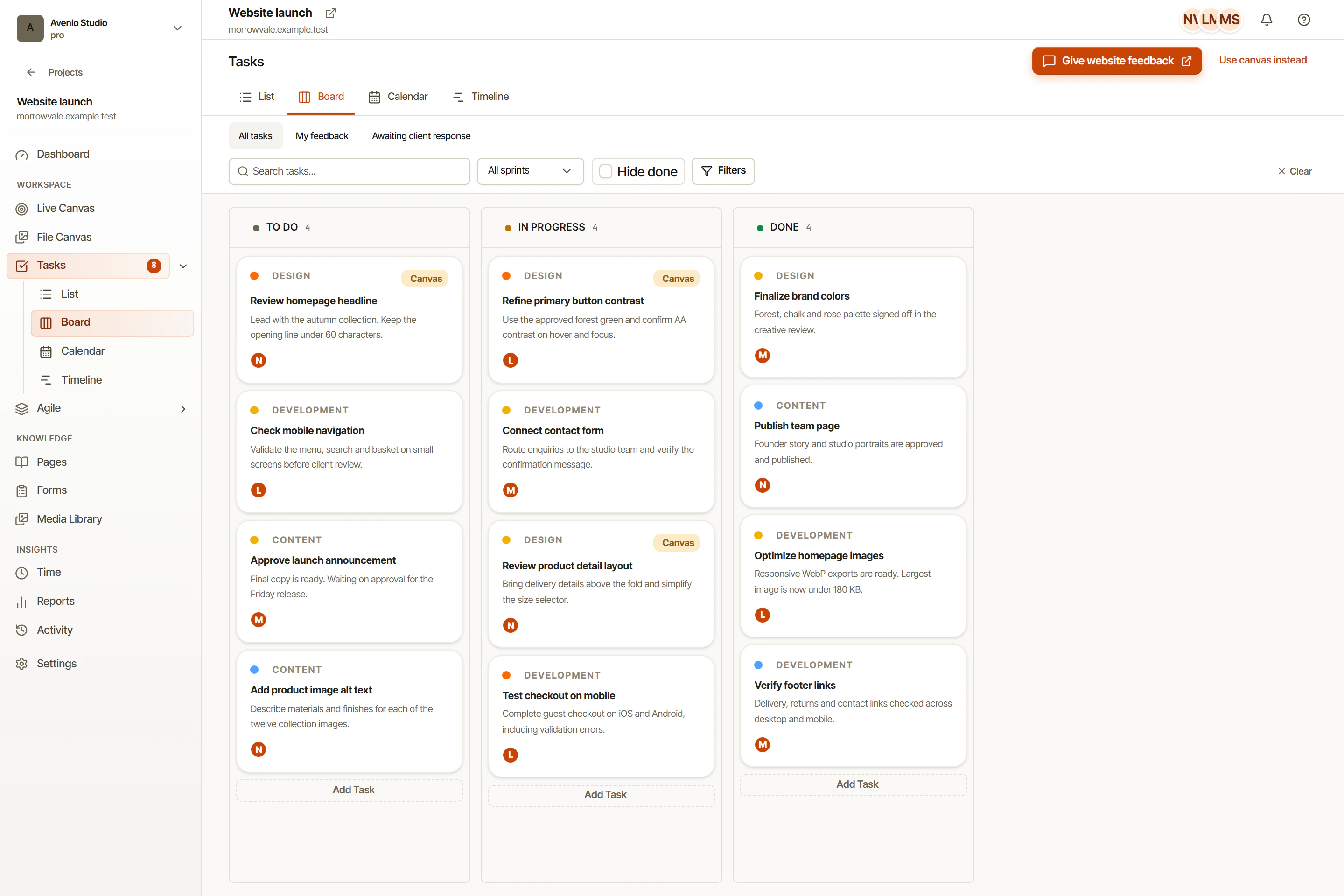
To hand off an unfinished website task, record the agreed outcome, the current working version, the changes already made and the checks still open. Give the next owner a specific first action. Before the original owner steps away, ask the teammate to open the work and explain how they will continue.
“The mobile menu is almost done” leaves a lot to reconstruct. Which version has the change? What did someone test? Does the client still need to approve the wording?
A useful handoff answers those questions in the task where the team will look for updates. The example below is fictional and works as a writing convention with any project tracker.
Start with the outcome the team agreed to deliver
Keep the original feedback and acceptance criteria accessible. Write a short summary of the result the task is meant to produce, then identify any decision still waiting for an answer.
For a mobile-menu revision, that might mean opening and closing the menu with the approved navigation labels at the agreed phone widths. An unresolved request to add a new destination belongs in the handoff too, with the person who can decide it.
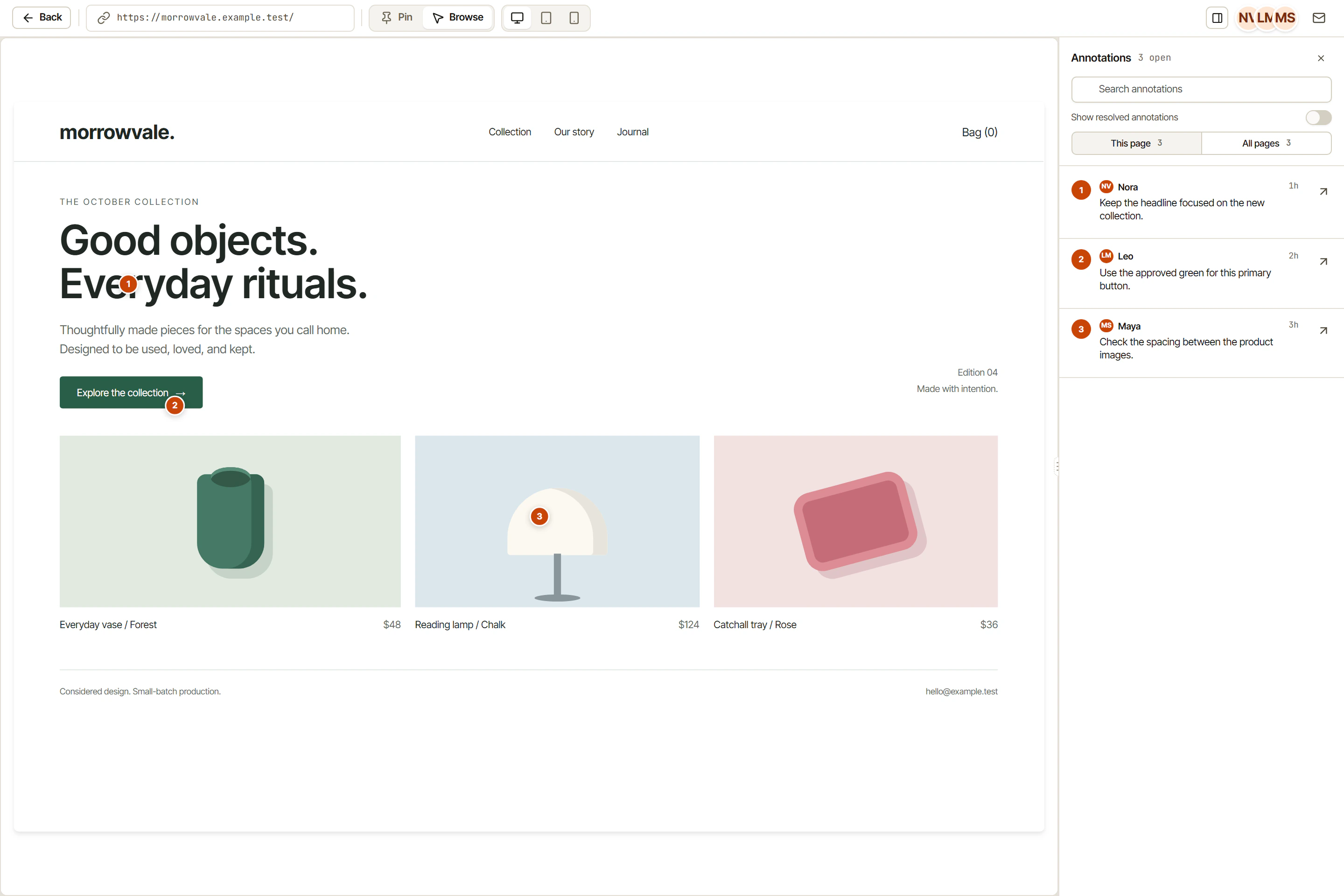
Avoid making the next owner infer scope from a collection of screenshots. Reference the relevant project brief and the original website observation. The website feedback workflow explains how to keep that starting context with the work.
Point to the version someone can actually continue
Record where the work lives. For code, include the branch or pull request and a recognizable revision. For content or design work, identify the editable file and version. Add the preview address when there is one.
State where the change is deployed and which environment was used for testing. A preview URL and the production website may show different states. Use the version-verification checklist to make the starting point explicit.
If a GitHub pull request still needs implementation work, record its draft state in the handoff. GitHub’s draft workflow prevents merging until the pull request is marked ready for review. Check that state when coordinating the next action. Read GitHub’s pull-request stage guidance.
Keep setup instructions in the appropriate team documentation. Identify the access the teammate needs and use the team’s approved access process.
Separate the work completed from the checks completed
Describe the current result in terms another person can verify. A change to the menu layout and a successful device test are separate pieces of information.
The fictional task WEB-346 could contain this handoff summary.
| Area | Current record |
|---|---|
| Agreed outcome | Mobile menu uses the approved labels and opens and closes at the agreed phone widths. |
| Work available | Branch and draft pull request linked in the task, with the tested revision identified. |
| Change made | Adjusted menu spacing and close-button position. |
| Check completed | Menu opened and closed in the recorded desktop browser’s 390 px emulation. |
| Checks open | Named real phone/browser check and keyboard navigation pass. |
| Decision pending | Client approver to confirm the requested new navigation destination. |
| First action | Open the identified preview and reproduce the current menu behavior before continuing. |
If an attempt failed, describe the observed result and the conditions. That record can save the next person from repeating an investigation without knowing what has already been tried.
Agree who takes the next action
Name the incoming owner and the person who will review the result. Ask the incoming owner to check access and open the relevant task, files and preview while the original owner is still available.
A short acknowledgement can expose a missing detail. For example, “I can open the branch and preview. I’ll run the phone check first, then ask the approver about the new link.”
When access or a decision blocks that first step, record who can resolve it and when the team will check again. Update the task’s assignment and status to reflect the agreed handoff.
Keep recorded effort and remaining work understandable
Leave the outgoing person’s time records attached to the work they actually performed. Have the incoming teammate record their own investigation, implementation and review time according to the team’s convention.
Keep any remaining-effort estimate in the planning record, with its assumptions. Hours already logged describe past effort. The open checks and decisions explain what the team still needs to finish.
The timesheet-note examples help each person describe their part of a revision without copying the full handoff into a time entry.
Copy this handoff checklist
Task and agreed outcome:
Original feedback and relevant brief:
Working file, branch or pull request:
Revision, preview and deployment state:
Changes already made:
Checks completed, with conditions and results:
Checks or decisions still open:
First action for the next owner:
Incoming owner and review owner:
Access checked and handoff acknowledged:
Recorded effort and remaining-effort assumptions:
Next update or review point:
In OkFlow, a task created from website feedback keeps the original annotation attached. Use its description and discussion for the handoff, update the assignment and keep time records alongside the project work. Weekly timesheets give the team a place to review logged hours. Explore OkFlow’s task workspace.
Before stepping away, have the next owner identify the working version and their first action. If either answer is unclear, add the missing detail to the task while the context is still fresh.