How to verify a website fix on the right version
Retest website fixes with the correct URL, release and browser state. Includes a client review checklist, cache troubleshooting steps and a copyable handoff note.
The developer sees the corrected heading. The client still sees the old wording. Before changing it again, check the page address, the delivered version and the conditions of each review.
A short version check can give the team a repeatable starting point. Keep it with the original website comment so the person retesting knows which release to open and what result to expect.
Agree on the page and release to review
Copy the exact URL into the task, including the page path and any query parameters that affect its content. Identify whether the review belongs on staging, a preview deployment or the public site. Review the link for private access tokens before sharing it with a wider audience.
Ask the person delivering the change for the release reference and the address where it is available. That reference might be a deployment ID, a release label or a commit tied to a confirmed deployment. If the project has a visible version label, record it too.
For a content edit, identify the content version or publishing action when that is separate from the application release. A useful handoff says which page is ready and how the reviewer can recognize the change.
Repeat the conditions from the original feedback
Open the agreed address and follow the original steps. Match the relevant language, account role, viewport and interaction state. Check the actual link destination after a redirect.
Consider this fictional example. A client reports a clipped contact button on the Spanish page. The developer checks the English page in a signed-in desktop session. Each person needs to repeat the Spanish mobile route before they can compare the result.
Write down the observed label or behavior. Attach a new image with enough context to locate the detail. The bug-report guide has a template for preserving the steps and expected result.
Investigate the browser cache with a controlled check
If the same URL still shows different content, a developer can inspect the page with DevTools. In Chrome, open the Network panel, enable Disable cache and reload while DevTools remains open. Record the result, then restore normal cache behavior and repeat the relevant visit. Chrome documents this control in its Network reference.
Keep the original session details in the report while testing a fresh session separately. That preserves the information needed to investigate an issue tied to a particular account or prior visit.
Caching can also happen between the browser and the origin, including in a CDN. Have the delivery owner inspect that layer when needed. Record which layer was checked and what changed. MDN describes browser and shared caches in its HTTP caching guide.
Give the task a precise next action
| Observation | Next action to record |
|---|---|
| Reviewer opened a different environment | Send the agreed URL and repeat the original route. |
| Release availability is unconfirmed | Ask the delivery owner to confirm the deployed version. |
| Correct release reproduces the failure | Return the task with the steps and new evidence. |
| Result changes with browser cache settings | Preserve both results and assign the cache investigation. |
| Original failure passes in the agreed scope | Record the conditions, evidence and remaining checks. |
For a shared component change, use the CSS regression checklist to choose the related pages that need testing. A successful check on the contact page can be recorded alongside an open pricing-page check.
Copy this release and retest note
Task and original feedback:
Exact review URL and environment:
Deployment / release / content version:
How release availability was confirmed:
Language, account role, browser and viewport:
Starting state and original steps:
Observed result and evidence:
Cache checks performed, if relevant:
Remaining checks and next owner:
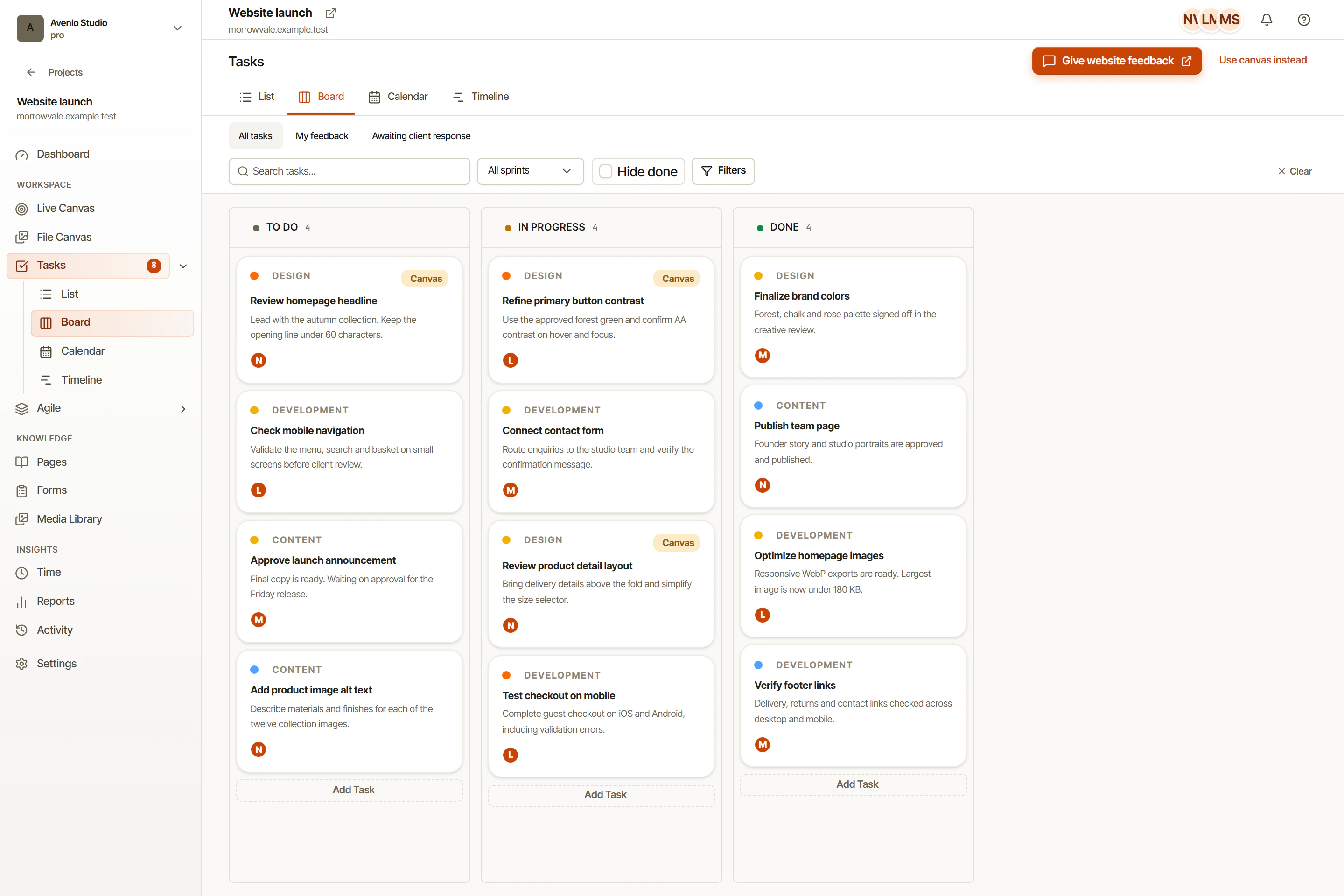
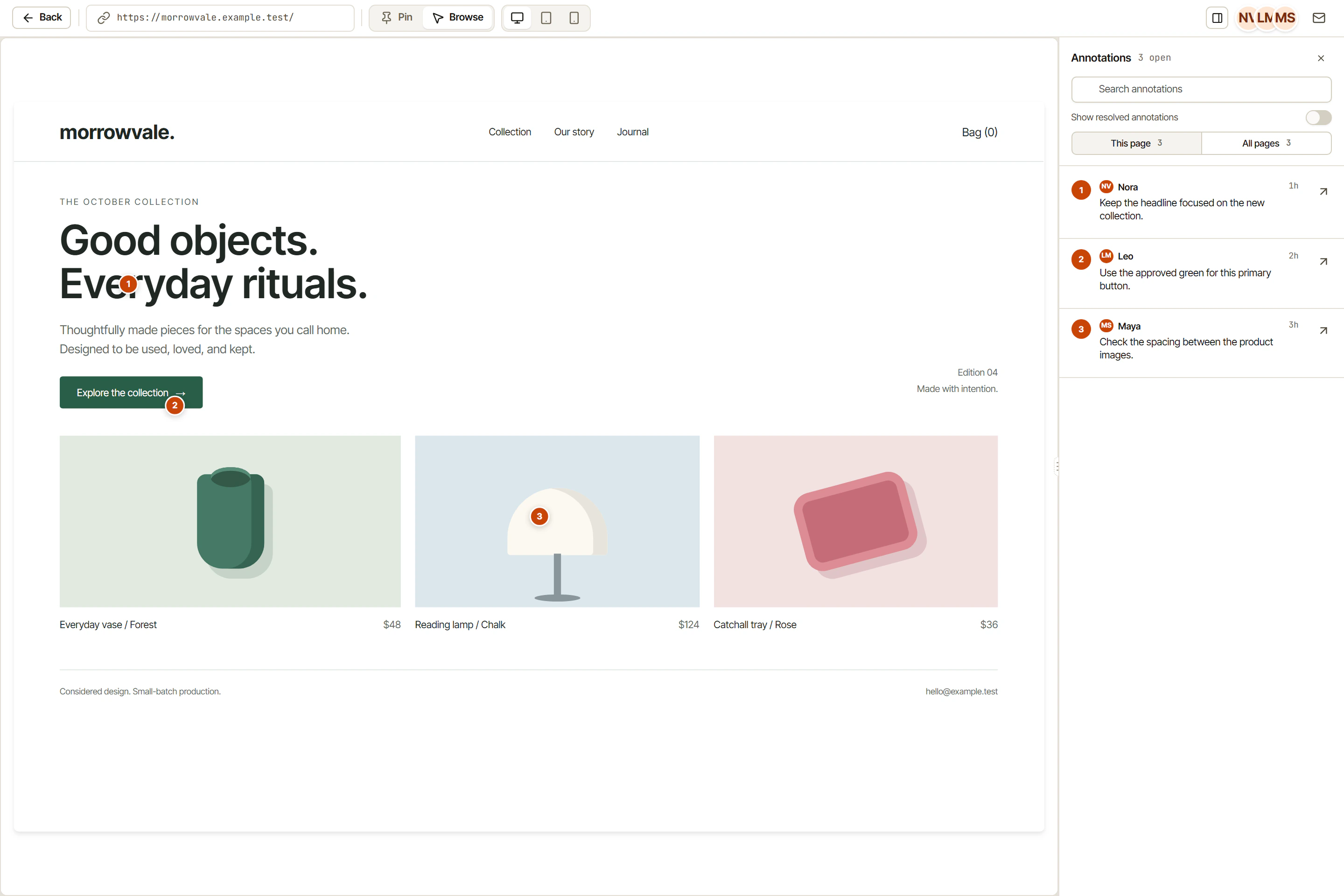
In OkFlow, keep this note in the task connected to the visual website feedback. Assign the next action and keep the review outcome with the discussion. When the client returns, they can follow the same route and see which version the team checked.
For the full review process, use the website feedback workflow. Include the release reference when requesting the next review round, then record the result after the reviewer has repeated the agreed steps.