How to estimate website revisions from client feedback
Estimate website revision work with clear scope, review time and dependencies. Includes a fictional worked example and a worksheet you can copy into a task.
To estimate a website revision, agree on the change, identify the work needed to verify it and ask the people doing that work for an effort range. Record the assumptions. Set a delivery date after checking team capacity and any decisions or materials the work depends on.
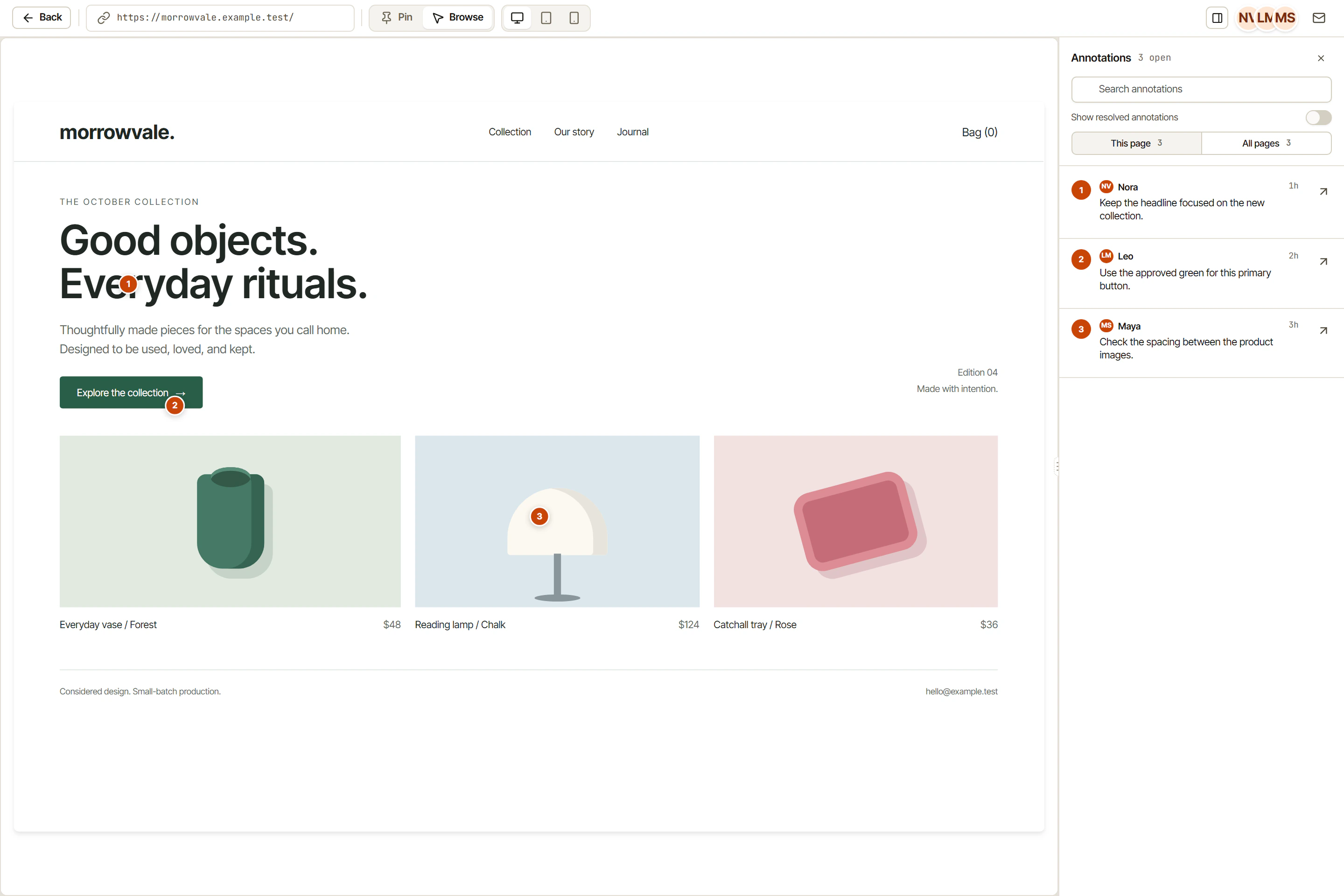
“Can you change this button by Friday?” sounds small. The label may be ready, or it may still need a client decision. The button may appear on one page or in a shared component used throughout the site. Those details belong in the estimate.
The method below is a suggested planning convention you can use with any task tool. The numbers are fictional and illustrate the arithmetic. They are not benchmarks for website work or a quote for your project.
Turn the website comment into a bounded change
Start with the original page and annotation. Write the expected result, the affected locations and the checks needed before the task can close.
For this example, the agreed change is:
Update the primary contact button to the approved label and adjust its spacing on /contact. Verify the destination and appearance on the agreed mobile and desktop widths, then check keyboard operation. A new form integration is outside this task.
The person estimating should inspect whether the button is shared with other pages. If that is unknown, record an investigation as the next step and revisit the estimate after it. A vague comment such as “fix mobile” needs clarification before anyone can estimate a useful scope.
Use the website feedback workflow to capture the original observation and acceptance checks. Keep new requests visible when they change that scope.
Include the work around the edit
An implementation estimate often covers the time spent changing the page. The delivery also needs enough time for understanding the request and checking the result.
This fictional team breaks the contact-button revision down as follows:
| Work included | Example effort range |
|---|---|
| Confirm approved wording and inspect component usage | 15–25 minutes |
| Update the label and spacing | 30–45 minutes |
| Verify destination, responsive layout and keyboard operation | 20–35 minutes |
| Review the result and record the outcome | 10–15 minutes |
| Total estimated effort | 75–120 minutes |
The total is the sum of the example ranges. It covers the listed work under the stated assumptions. If a second language or more pages need checking, update the scope and ask the team to revise it. Avoid presenting the upper end as a guaranteed maximum when the unknowns remain open.
For teams using Scrum, the Scrum Guide connects forecasting with past performance, upcoming capacity and the Definition of Done. It also leaves the delivery plan to the Developers. The worksheet here is our practical suggestion for a website revision, rather than a prescribed Scrum estimation method.
Check the calendar separately from the effort range
Seventy-five minutes of work does not tell you when the task will be ready. The assignee may have other commitments. The wording approver may be unavailable until Tuesday. A deployment window or a second reviewer may also affect the date.
Before offering a delivery date, confirm:
- Who will do the implementation and verification, and when they have capacity.
- Whether the approved text, assets and required access are available.
- Who will review the result and when they can respond.
- Which delivery or release step follows the review.
Record those dependencies beside the estimate. Give an unanswered question an owner and a follow-up date. If the client asks for a commitment while a dependency is unresolved, explain the condition explicitly, such as “We can confirm the delivery slot after the final wording is approved.”
Our feedback prioritization guide helps decide which requests enter the release. Estimate the selected work with the people responsible for delivering it.
Compare the estimate with the work actually recorded
After the revision, look at the task and its time entries. Did the scope stay the same? Was a browser-specific issue discovered? Did the team include review and retesting in the original estimate?
Keep waiting time distinguishable from active effort. A client taking two days to approve wording explains elapsed delivery time. Record the work spent preparing questions or handling the review according to your team’s time-recording convention.
For the next estimate, choose a completed task with similar conditions and read its notes. A duration without context can be a poor comparison. The timesheet-note guide shows how to preserve the task, activity and remaining checks alongside logged time.
Use the comparison to revise future assumptions. Avoid treating one task’s recorded hours as a universal rate for every teammate or website.
Copy this estimate note into the task
Original feedback / page / review round:
Agreed change and acceptance checks:
Affected pages, languages and shared components:
Work included:
Work outside this task:
Effort range and people who estimated it:
Comparable completed task, if available:
Assumptions and unresolved questions:
Required decisions / materials / access:
Implementation and verification capacity:
Review owner and available review slot:
Proposed delivery date and conditions:
When to revisit the estimate:
Actual effort and explanation after completion:
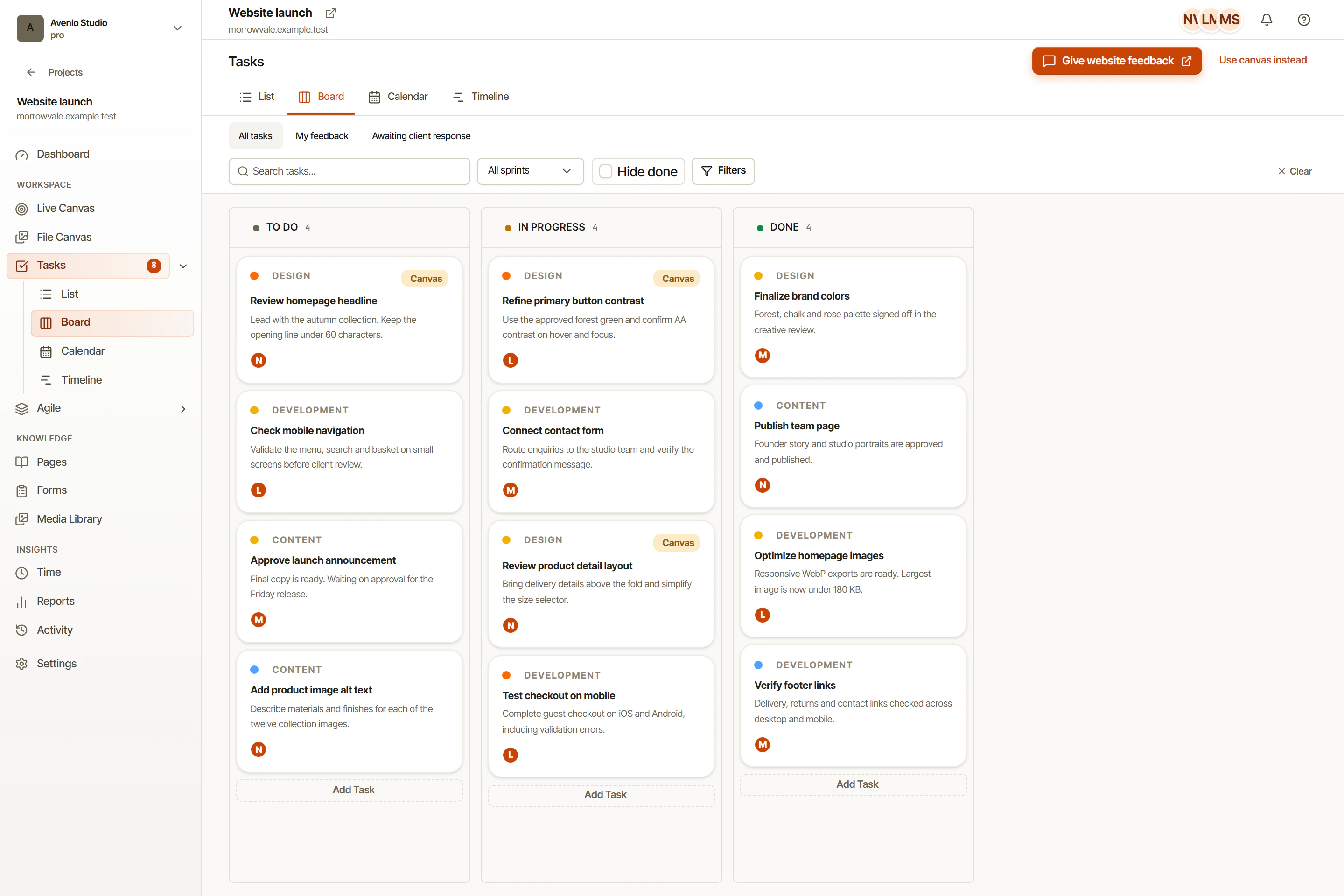
In OkFlow’s task workspace, website annotations can become assigned project tasks with the original feedback attached. Keep the agreed scope and estimate note in the task description or discussion. Use time tracking and weekly timesheets to review the effort the team records. Check plan availability for the time features your team needs.
At the next client review, take one small revision through this process. Confirm its boundaries, ask the implementer and reviewer for their estimates, then check their calendars before promising the date.