How to consolidate duplicate website feedback
Group repeated website comments into clear work records. Keep each report's conditions, agree on one owner and retest the affected pages and devices.
Consolidate duplicate website feedback by comparing the page, observed behavior and expected result of each report. Choose a shared work record for the agreed change, preserve the original evidence and assign its next action. Include every relevant browser, language and page in the retest.
Two clients may report the same clipped button label. A third may say that the button fails to submit the form. All three comments mention a button, but the team needs to inspect what each person experienced before deciding how to organize the work.
The example below is fictional. Its report labels and summary format are conventions you can use in your team’s task descriptions and discussions.
Compare the reports before grouping them
Open each original observation. Record the page, element, steps and conditions, then compare the expected outcomes. Ask for missing evidence when it affects the decision.
| Report | Observation | Conditions | Next check |
|---|---|---|---|
| R1 | Contact button label wraps and clips | Spanish page, narrow screen, Safari | Reproduce the layout at the reported width. |
| R2 | Same label appears clipped | Same page and language, Chrome on a phone | Reproduce and compare the expected layout. |
| R3 | Contact button produces no visible response | Form after entering details, browser unrecorded | Obtain the steps and investigate submission behavior. |
R1 and R2 can share an implementation task once the team confirms the agreed change. Keep both browser checks in that task. Give R3 an investigation action with its own expected outcome and owner.
The bug-report template helps capture the steps and conditions needed for this comparison. A new report can also reveal a page or language that the original task has not covered yet.
Choose the work record the team will follow
Pick a task with a clear description of the agreed result. Add references to the related reports and summarize what each contributes. Keep the original observations available so the assignee and reviewer can inspect their context.
The fictional label issue could use this summary.
Work record: WEB-218
Agreed outcome: the approved Spanish contact label fits and is readable.
Related reports: R1 and R2
Evidence: original page comments and screenshots
Conditions to retest: reported Safari width and Chrome phone view
Owner: assigned implementer
Review owner: designated website reviewer
Separate investigation: R3, form response after entering details
These references give the team a place to follow the shared change. Preserve any useful clarification from the other reports in the discussion. If two people have already started implementation, have them agree on the next owner and record the work completed so far.
Use the feedback prioritization worksheet to record why the change belongs in the current release and which questions still need a decision.
Tell reviewers where their observation is being handled
A reviewer returning to an older comment needs a recognizable next step. Reference the shared task and explain which part of the report it covers.
After making the grouping decision, a team could leave this note.
Your clipped-label observation is included in WEB-218. The task covers the Spanish contact button and includes the Safari and Chrome checks reported in this round. The assigned developer owns the change, and the website reviewer will record the retest result there.
Adjust the note to the actual assignment and review plan. Keep questions about the form response attached to its investigation so the people handling it can follow that outcome.
For work managed in GitHub, its documentation describes marking an issue as a duplicate through a reference comment. The timeline event requires the comment’s author to have repository write access. Follow the documented workflow for that tool. Read GitHub’s duplicate-issue guidance.
Retest the conditions contributed by each report
Return to the agreed page and release, repeat the original steps and record the observed result. For the label task, check both reported browsers and the relevant narrow-screen layout. A result for one condition can sit beside another check that still needs attention.
If a reviewer reports the issue again, compare the environment and conditions with the recorded checks. Add new evidence and assign the next investigation when the report exposes a remaining problem. The website version checklist helps establish that starting point.
Record the final result against the expected outcome. Include the related report references so someone reviewing the round can see which observations were covered.
Keep the effort attached to the work performed
When several reports share a change, use a recognizable task reference in new time notes. Record each person’s actual investigation, implementation or review session once. Preserve the context of earlier entries when recording the consolidation decision.
For example, a time note could say “WEB-218, adjusted Spanish contact-label spacing and checked the Safari layout. Chrome retest pending.” Use the timesheet-note template when the weekly record needs more context.
Copy this consolidation note
Shared task and agreed outcome:
Related reports and original evidence:
Conditions each report contributes:
Reason for grouping the work:
Questions or behaviors assigned separately:
Implementation owner and work already completed:
Review owner and retest matrix:
Where reviewers were directed for updates:
Task reference for future effort notes:
Final result for each reported condition:
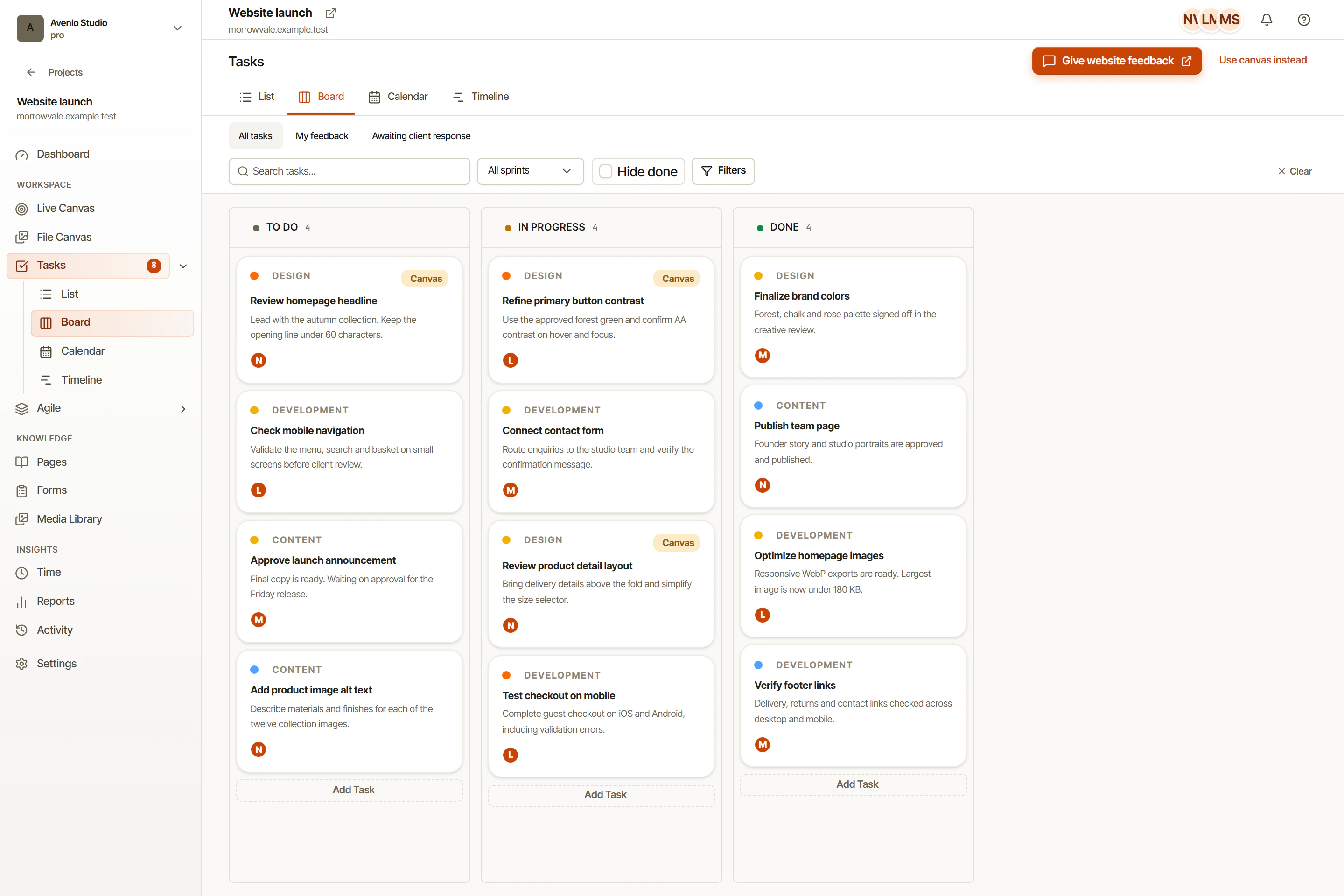
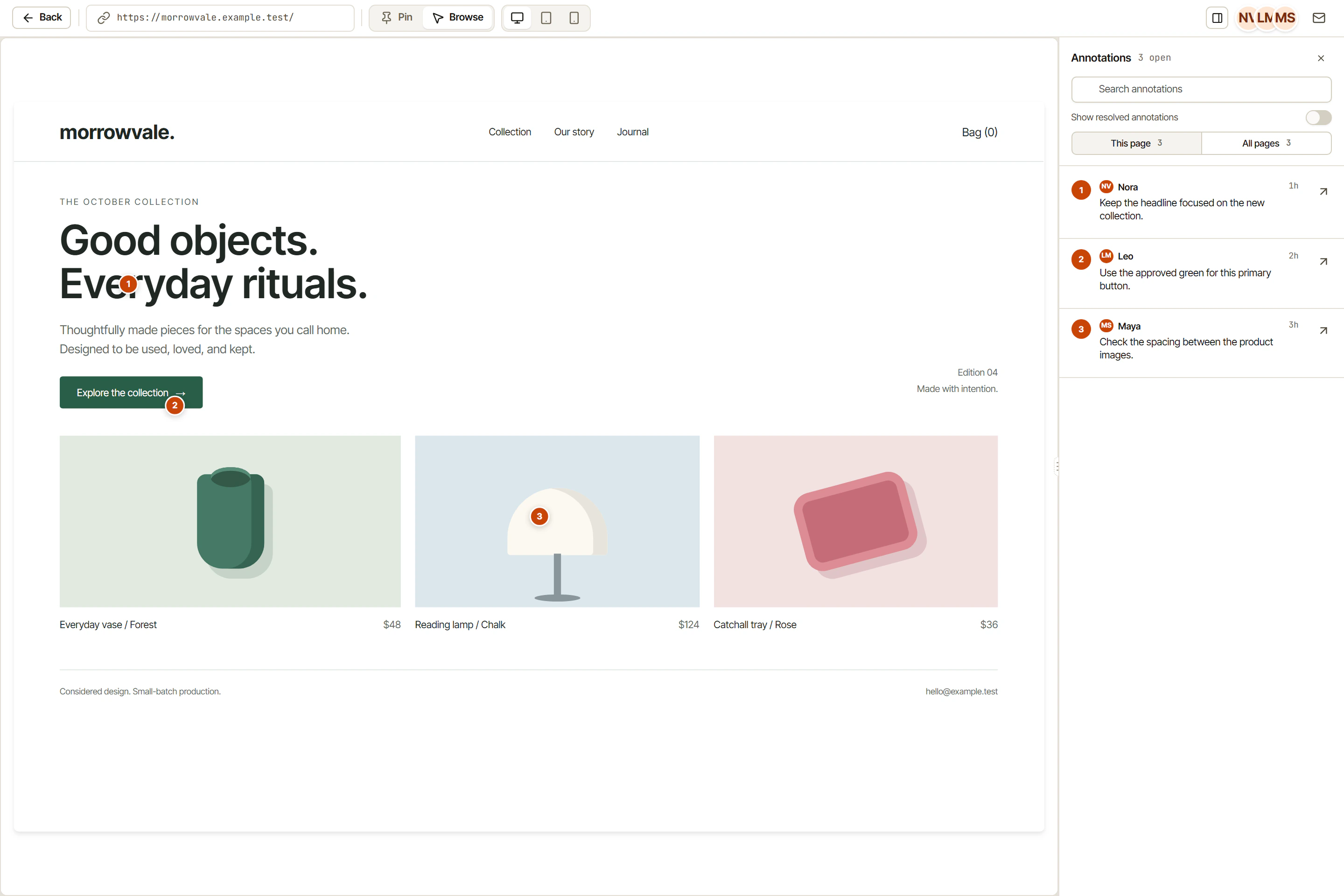
In OkFlow, connect the original website annotation to its project task. Keep the related-report references, agreed scope and retest results in the task description or discussion. Use assigned work and time records to follow the delivery through the project. Explore the task workspace.